The Fund records feature in Subotiz Accounts allows merchants to track fund movements across the Issuing Account and virtual credit cards, including purchases, refunds, fees, top-ups, and account transfers. Merchants can review transaction amounts, account information, transaction types, and processing statuses for account reconciliation, balance verification, and fund management.
Accessing Fund Records
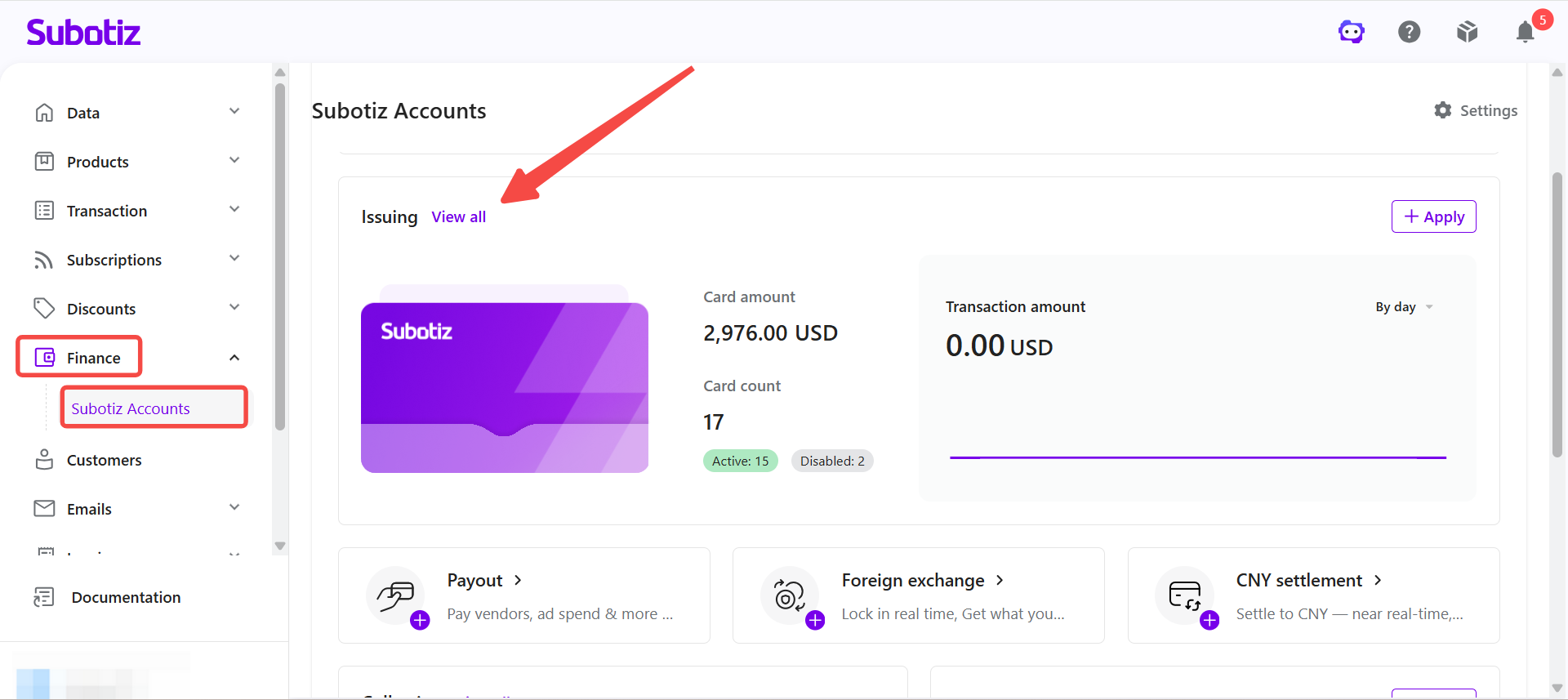
- Open Issuing: Log in to the Subotiz dashboard and go to Finance > Subotiz Accounts > Issuing, then click View All.
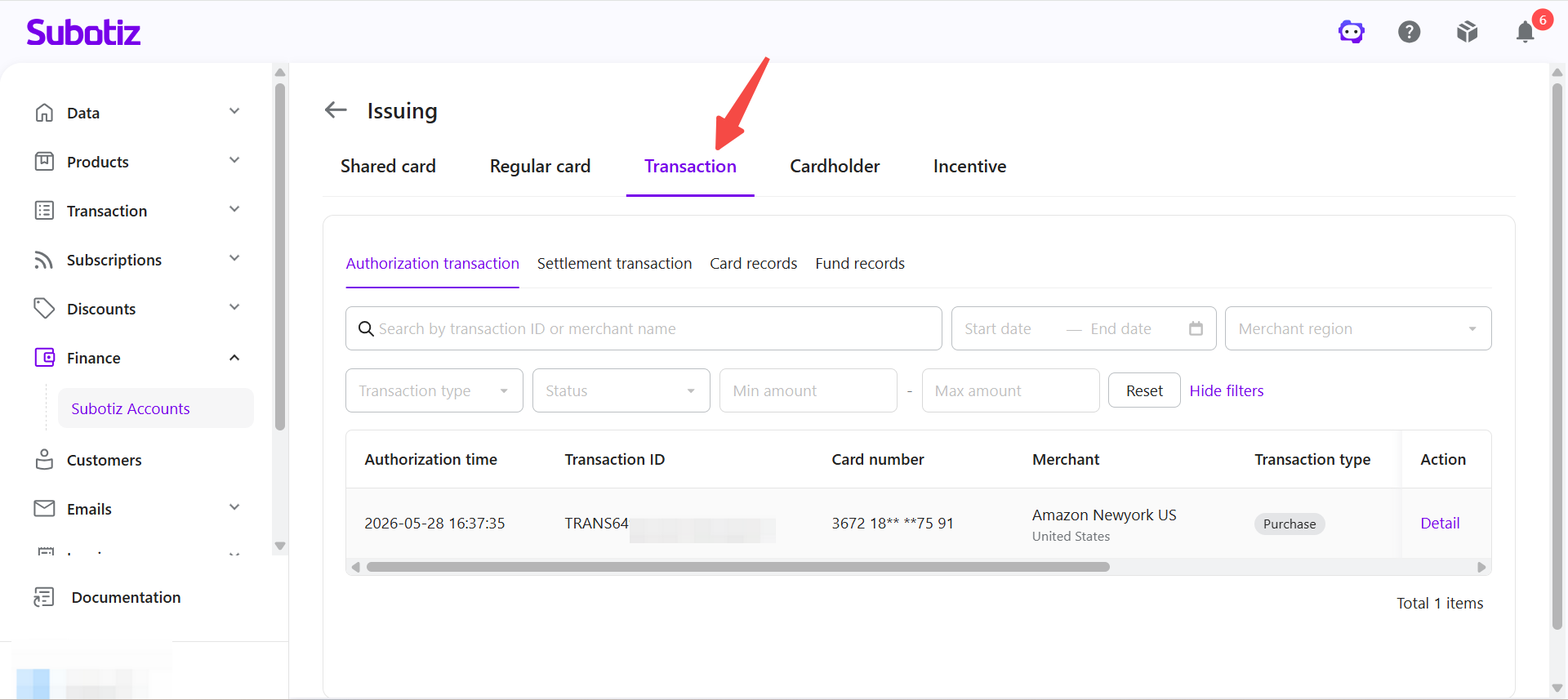
- Open Transaction: Click the Transaction tab.
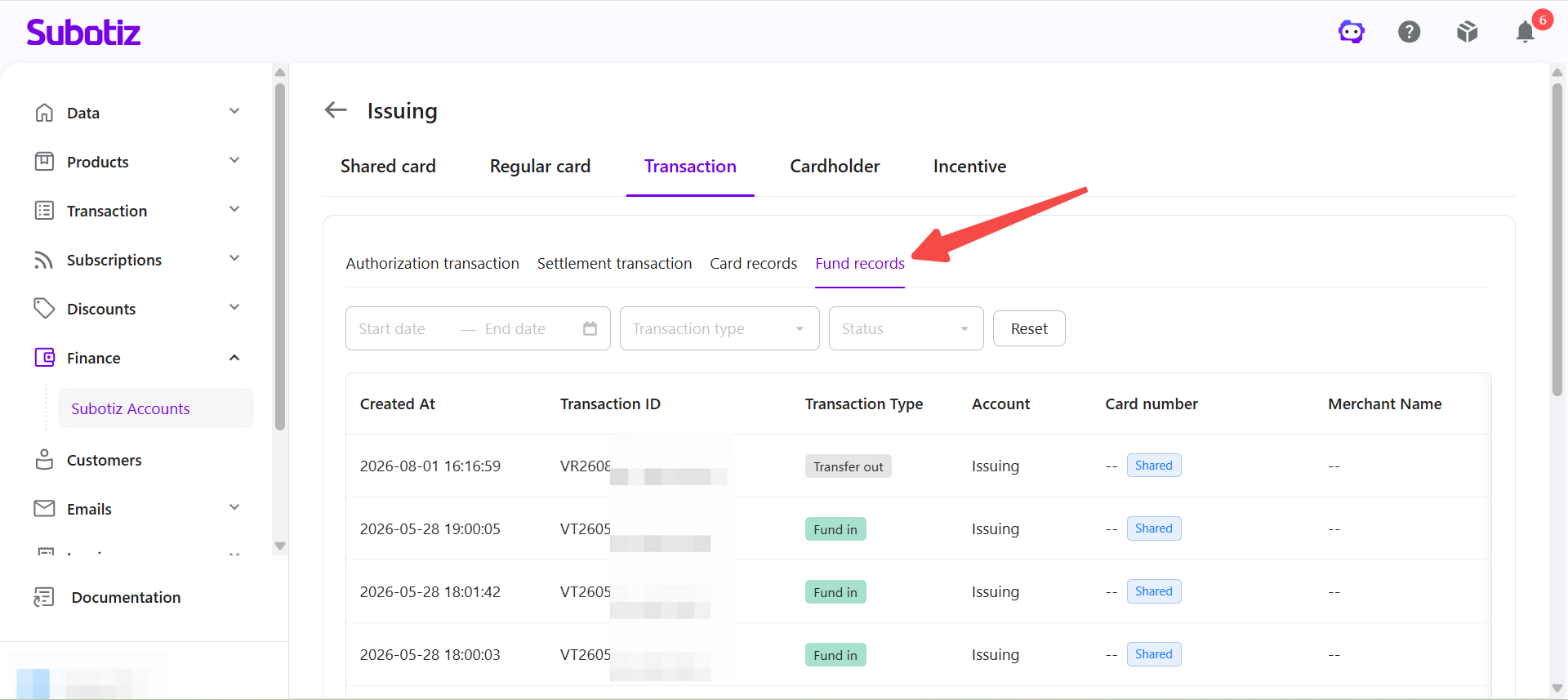
- Open Fund records: Click Fund records to view the fund record list.
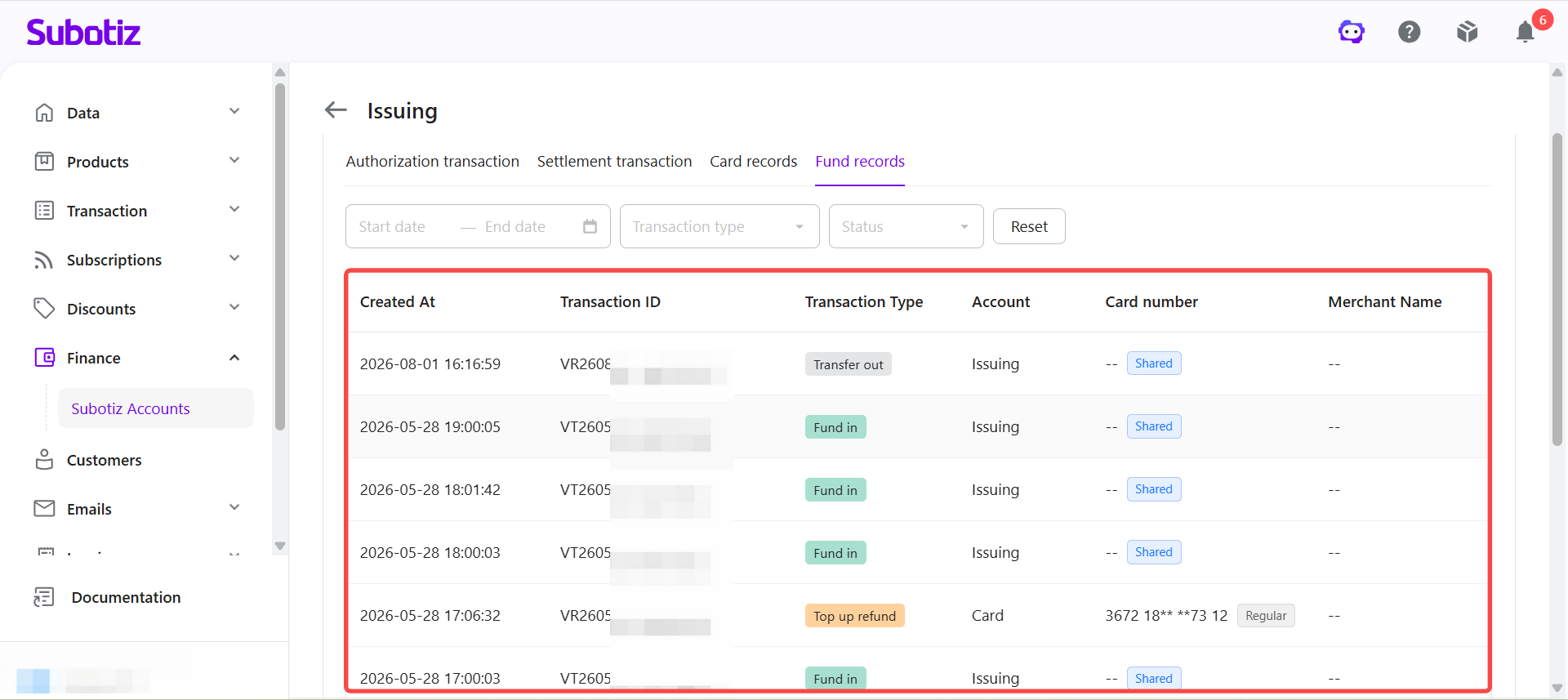
Fund Record List
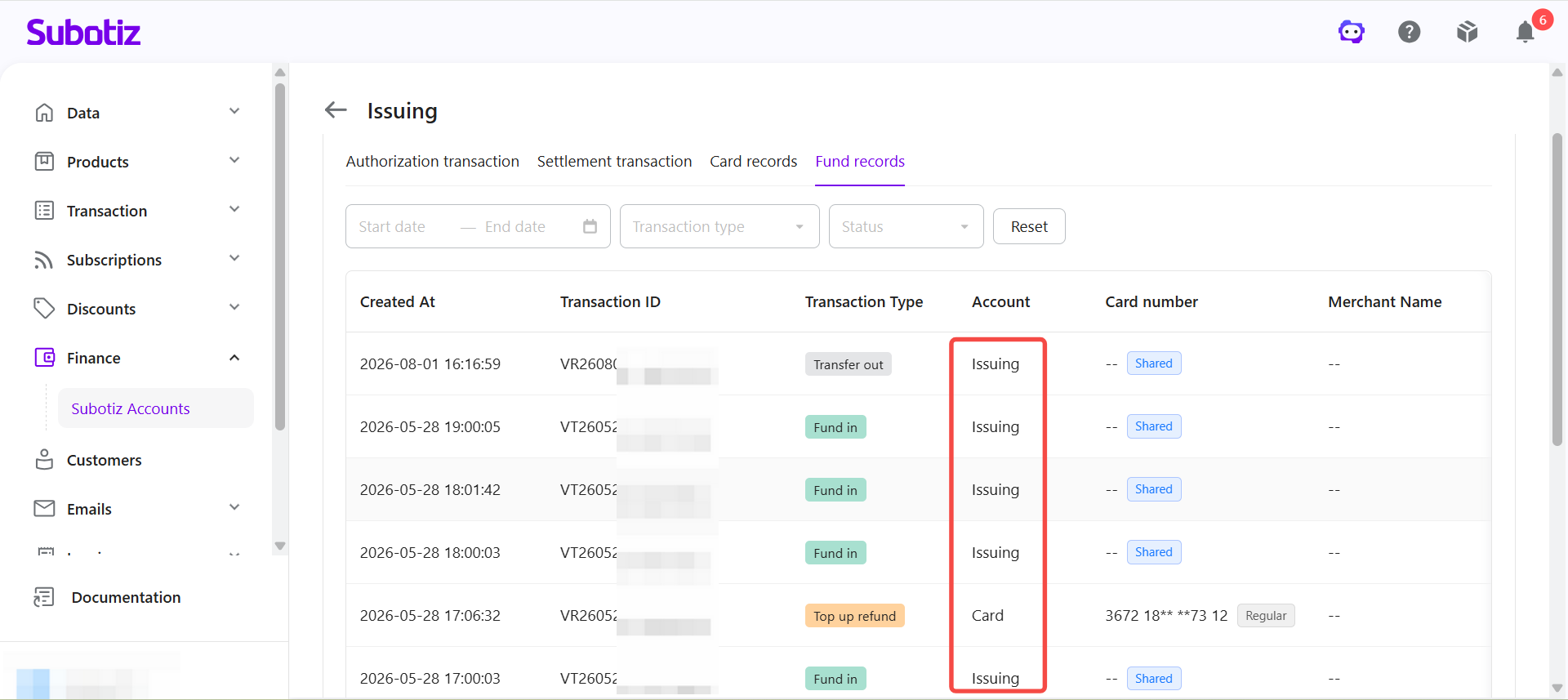
The Fund records list displays fund movements across the Issuing Account and virtual credit cards.
The list includes the following information:
- Created At: The date and time the fund record was created.
- Transaction ID: The unique identifier associated with the fund movement.
- Transaction Type: The type of fund movement.
- Account: The account type associated with the fund movement.
- Card number: The virtual credit card associated with the record, if applicable.
- Merchant Name: The merchant associated with the transaction, if applicable.
- Amount: The transaction amount and currency.
- Billing Amount: The amount and currency posted to the account.
- Status: The current processing status of the fund record.
Filtering Fund Records
Filter fund records by date, transaction type, or processing status to quickly locate specific records.
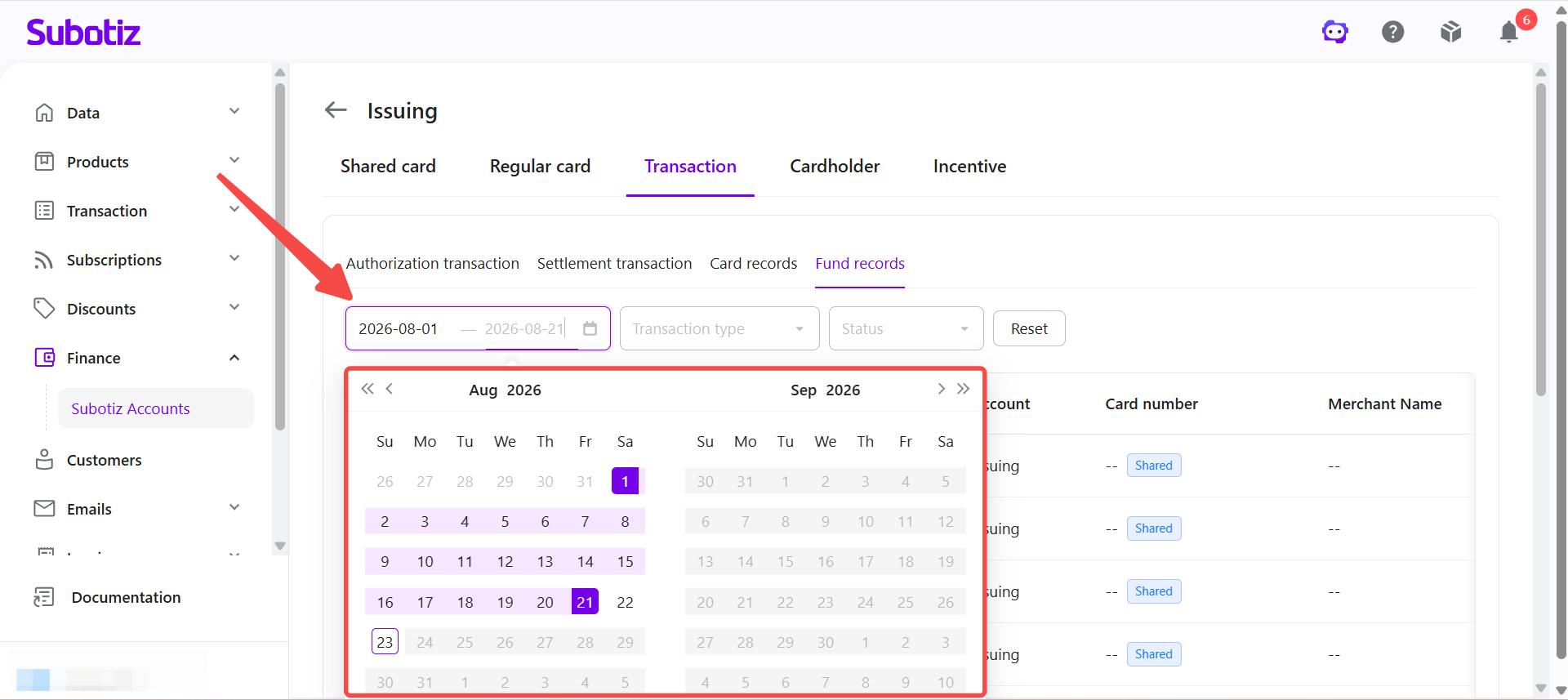
- Filter by date: Select a Start date and End date to display fund records within a specific date range.
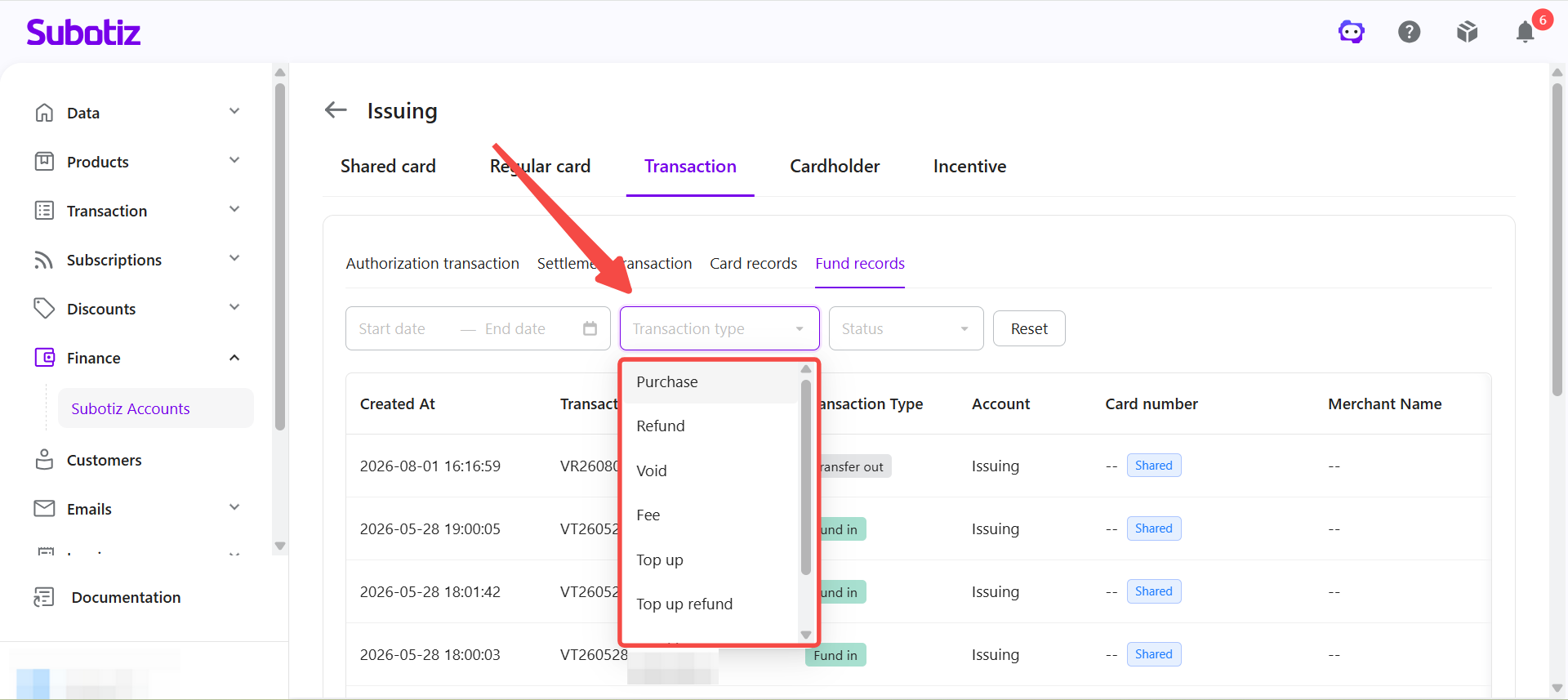
- Filter by transaction type: Select Transaction type and choose the applicable transaction type, including:
- Purchase: A fund record generated by a virtual credit card purchase.
- Refund: A fund record generated when funds from a transaction are returned.
- Void: A fund record generated when an authorization is voided.
- Fee: A fund record generated by a transaction or account operation fee.
- Top up: A fund record generated when funds are added to a virtual credit card or Issuing Account.
- Top up refund: A fund record generated when card funds are returned to the account.
- Fund in: A fund record generated when funds are transferred into the Issuing Account.
- Transfer out: A fund record generated when funds are transferred out of the Issuing Account.
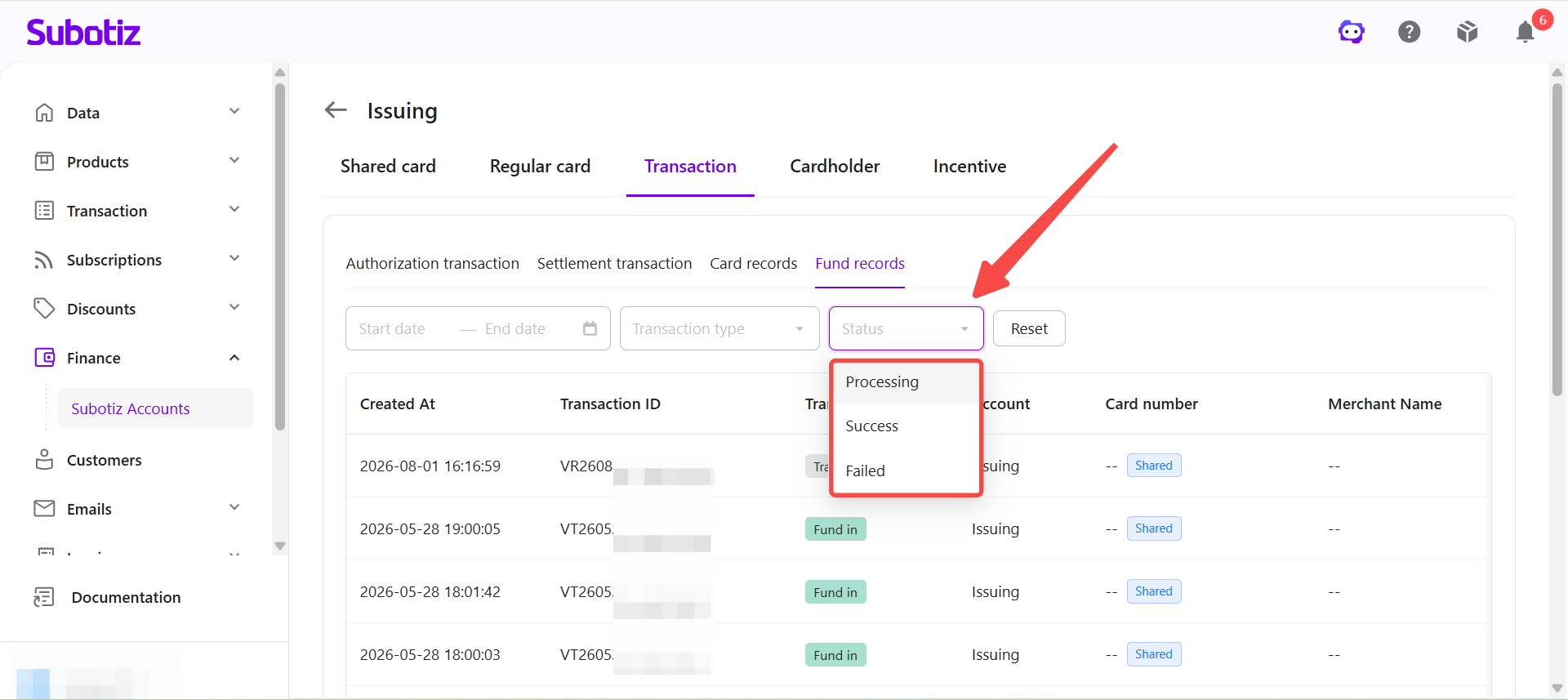
- Filter by status: Select Status and choose the applicable processing status:
- Processing: The fund record is being processed.
- Success: The fund movement was processed successfully.
- Failed: The fund movement was not successfully processed. Review the related transaction records for additional information.
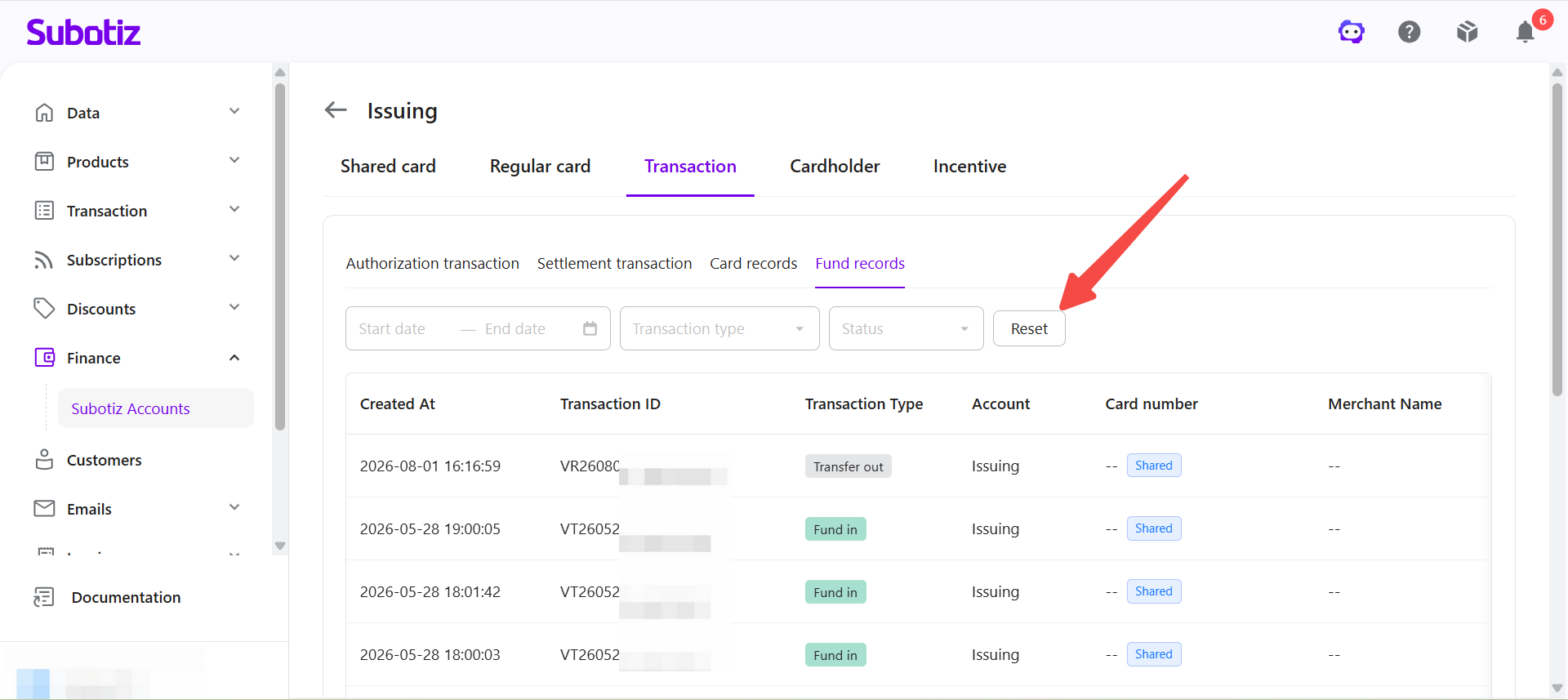
- Reset the filters: Click Reset to clear all applied filters and display all fund records.
Account Types
Each fund record displays the account type associated with the fund movement:
Account | Description |
|---|---|
Issuing | The Issuing Account used to record account-level top-ups, incoming and outgoing transfers, and other fund movements. |
Card | An individual virtual credit card account used to record card-related top-ups, purchases, refunds, and returned funds. |
The Fund records feature provides a centralized view of fund movements across the Issuing Account and virtual credit cards, helping merchants track fund activity, verify account balances, and complete day-to-day reconciliation. Filters for transaction type and processing status make it easier to locate and reconcile specific fund records.