The AI Assistant in Subotiz provides a unified conversational panel for managing your store. Simply describe your questions or requests in natural language, and the system will automatically understand your intent and return results. The AI Assistant is available across the entire admin without switching between modules.
Accessing the AI Assistant
After logging in to the Subotiz admin, the AI Assistant can be opened from any page.
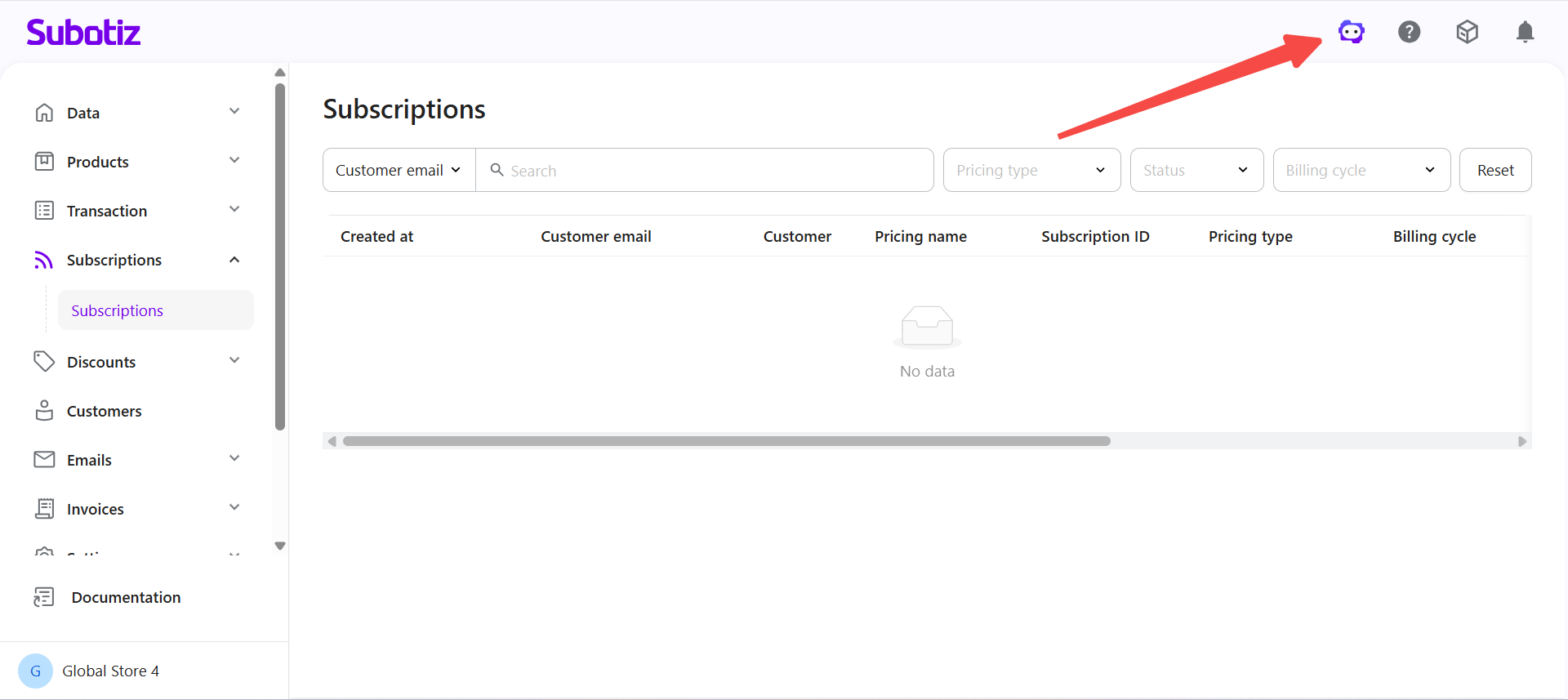
- Open the panel: Select the AI Assistant icon in the top-right corner of the page.
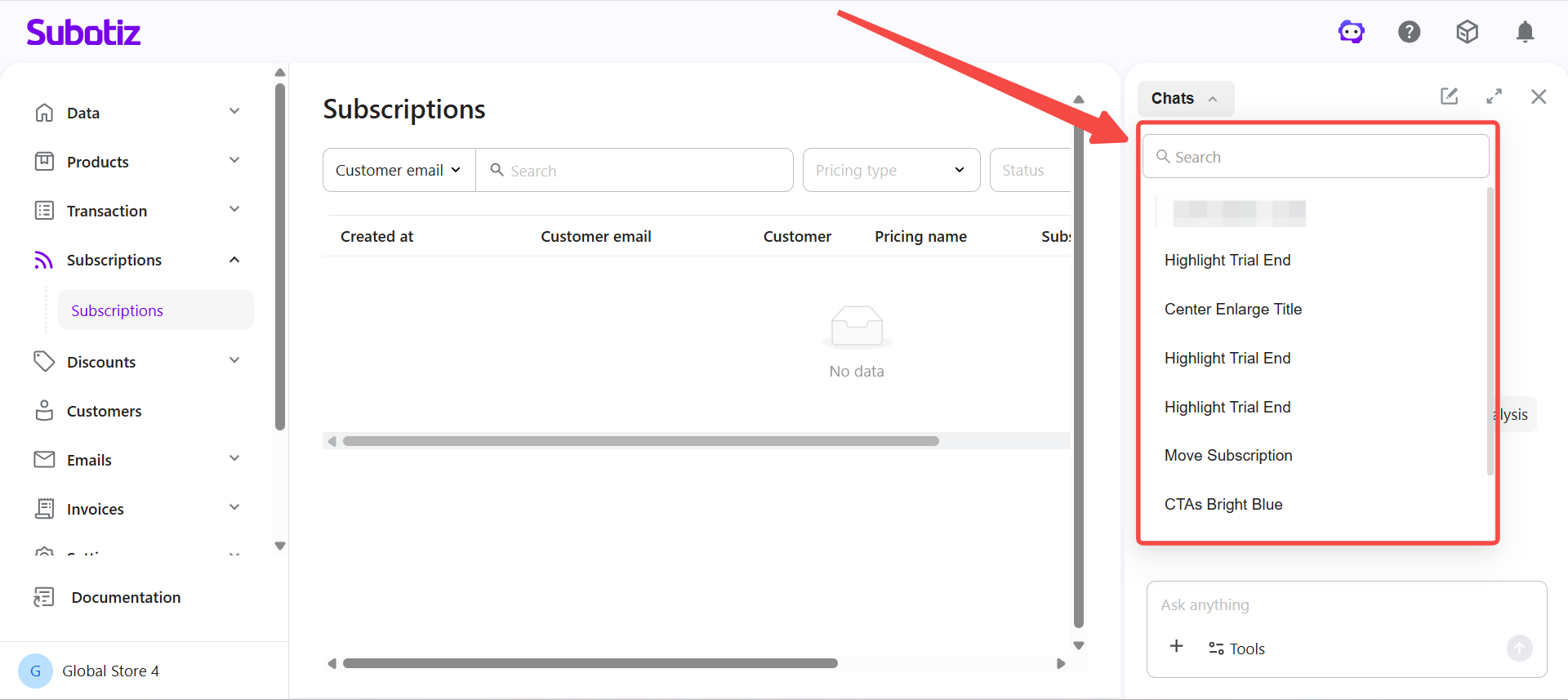
- View history: Browse or switch between previous conversations within the panel.
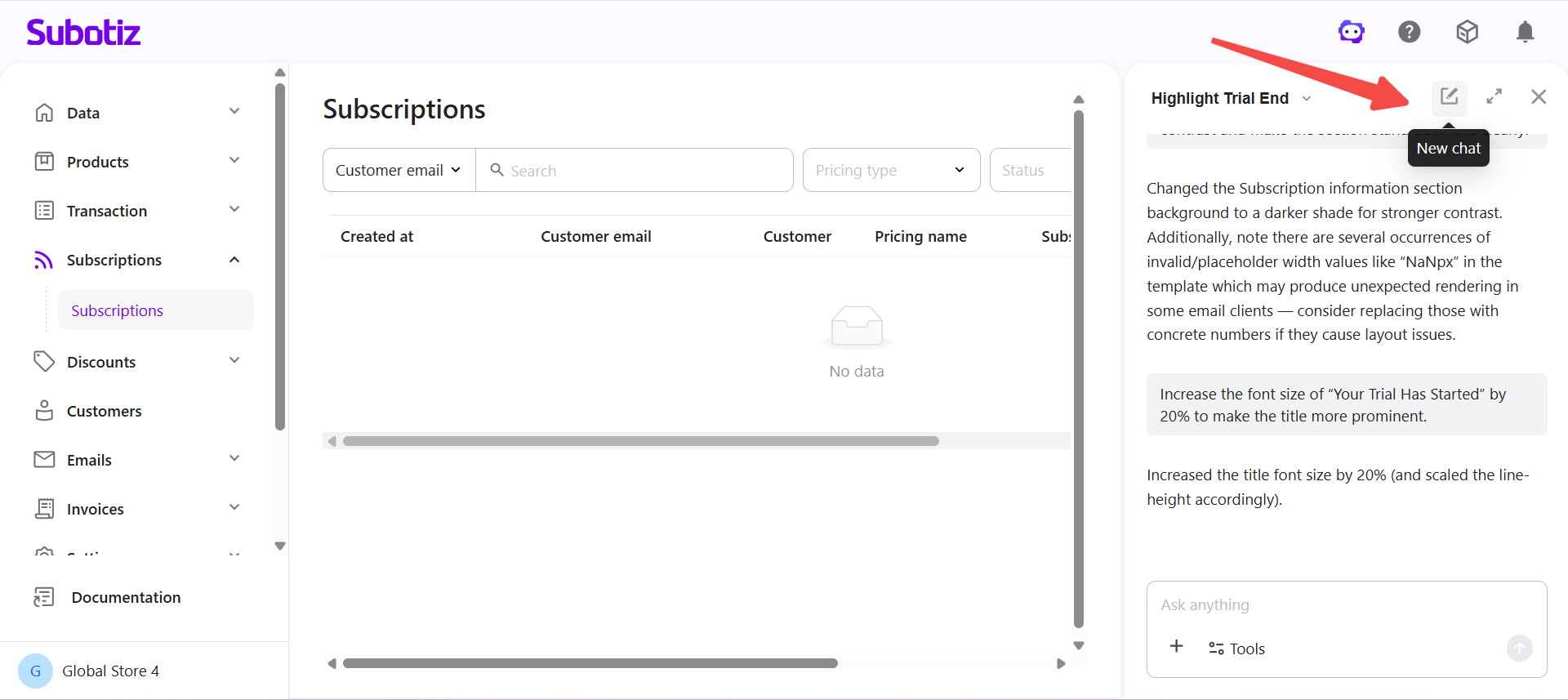
- Start a new conversation: Select New Conversation to begin a new session.
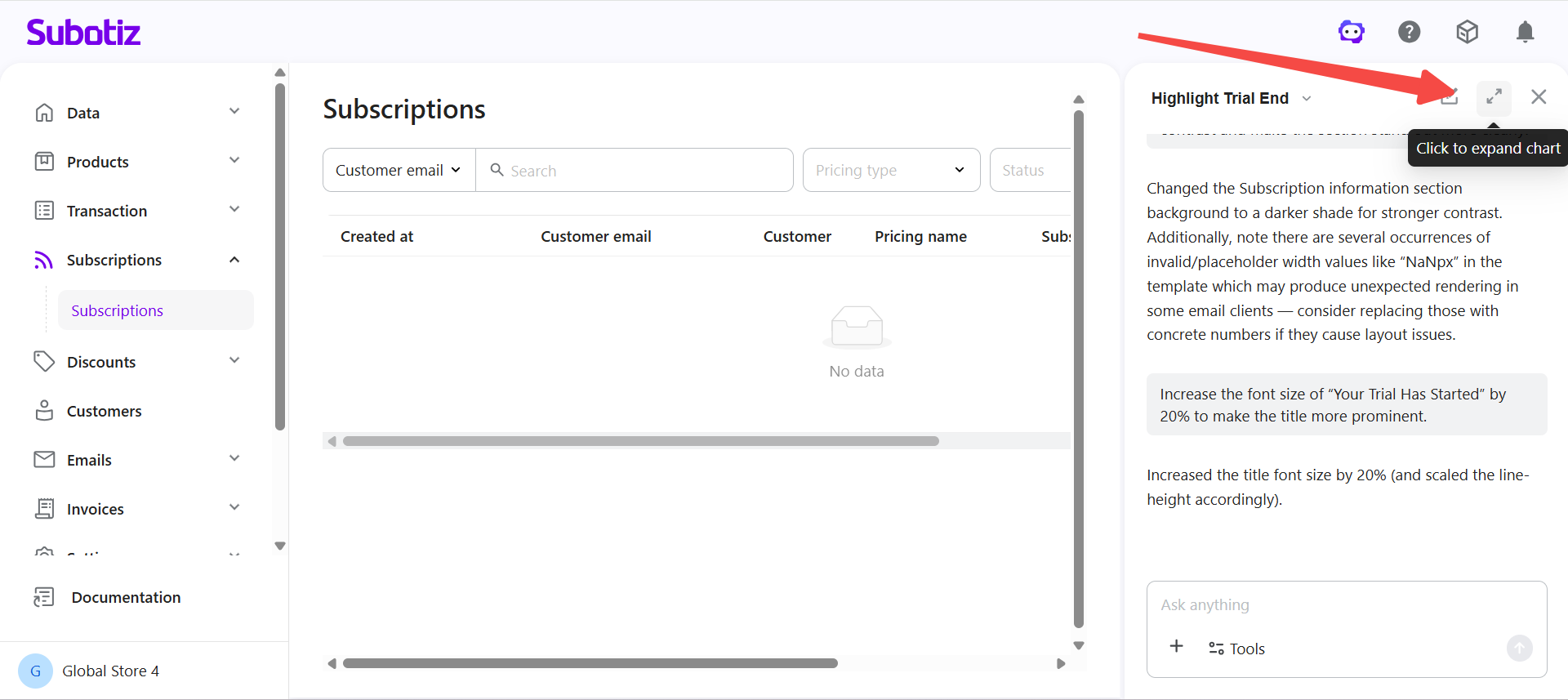
- Expand to widescreen: Use the expand button in the top-right corner of the panel to switch to widescreen mode. Select it again to return to the narrow view.
Asking Effective Questions
Clear questions help the assistant return more accurate results.
- Define the goal: State what needs to be done or found out. Example: "Check which store settings are still incomplete."
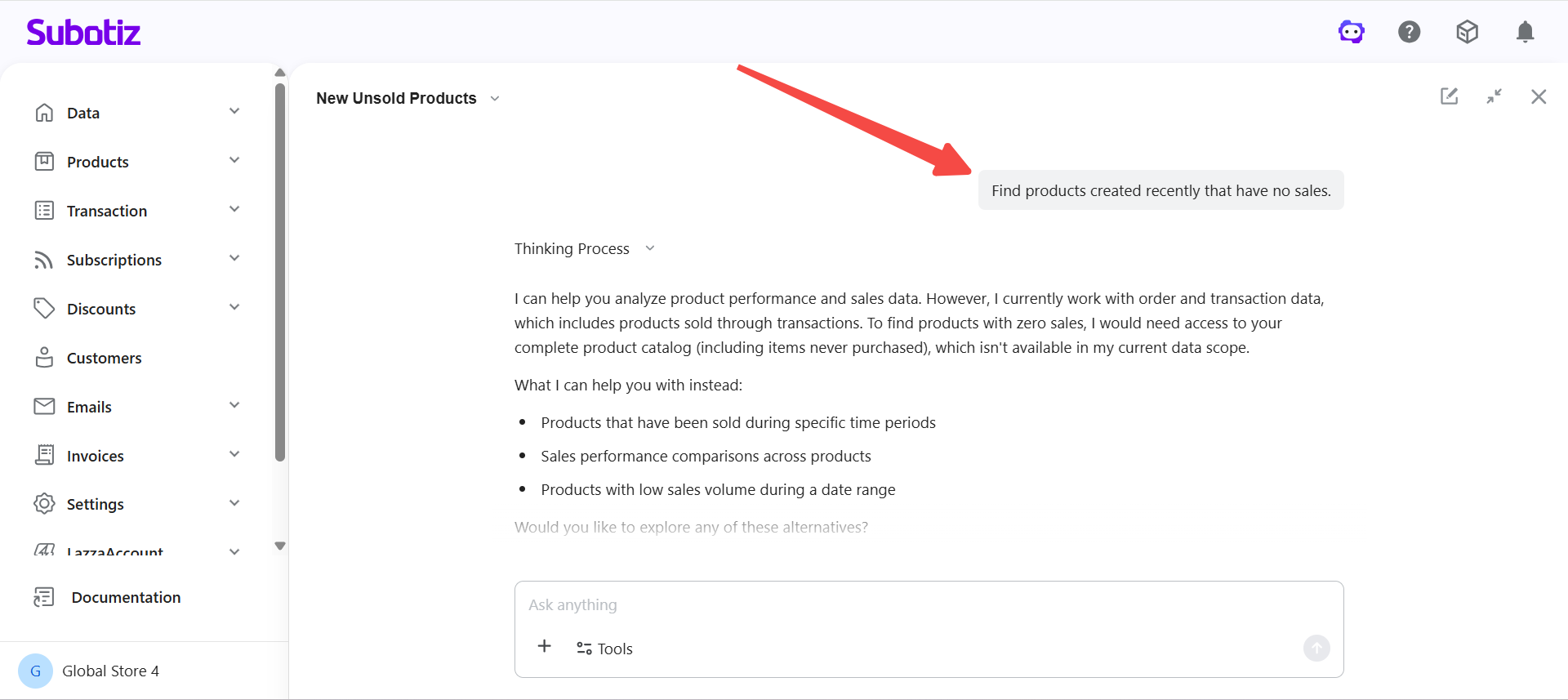
- Specify scope: Include relevant objects or conditions in the question. Example: "Find products created recently that have no sales."
- One question at a time: Avoid combining multiple requests in a single message.
- Use natural language: No specific format or technical terms are required. Example: "Why can't some staff members log in to the admin?"
Improving Results
If the result is not as expected, try the following approaches.
- Add more details: Include additional information to narrow down the request.
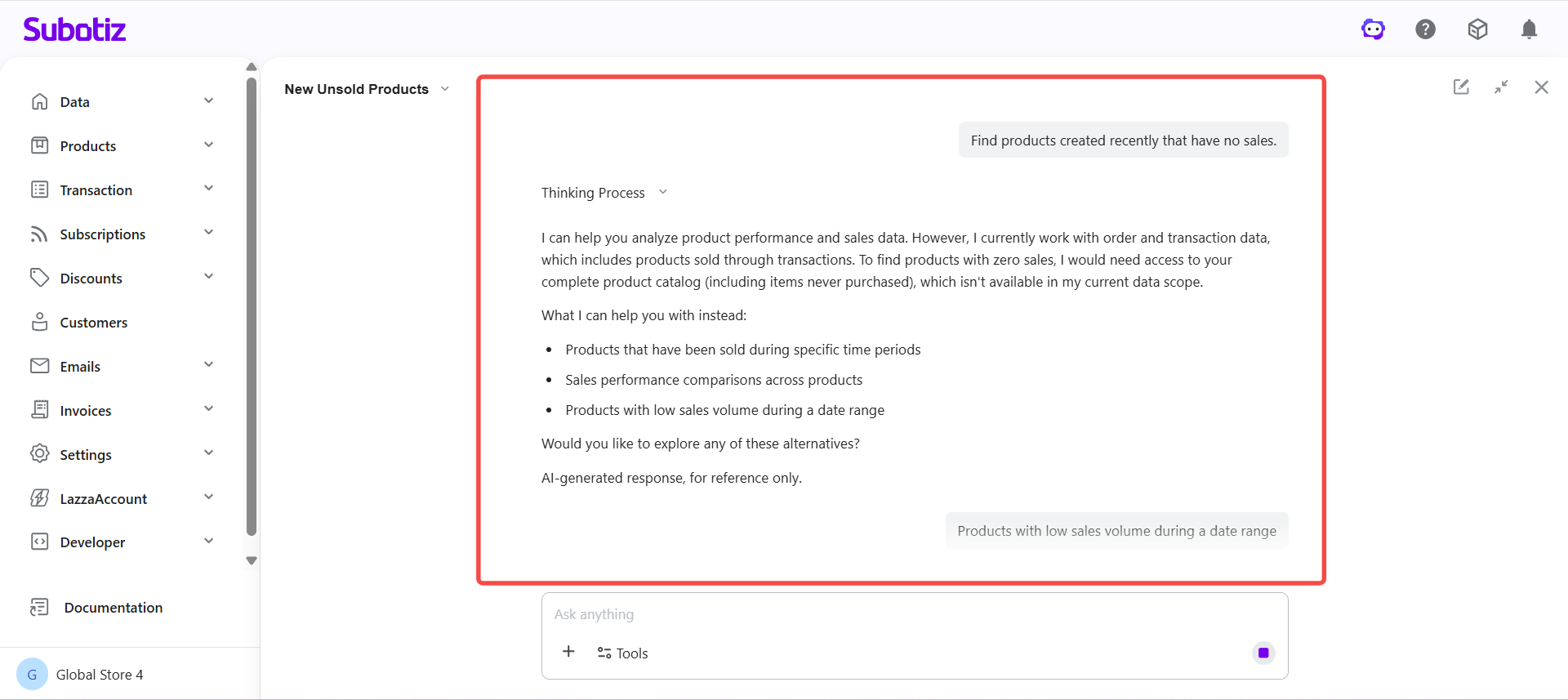
- Break it down: Split complex questions into smaller steps and ask them one at a time.
- Rephrase the request: Try describing the same need in different words.
- Follow up: Continue in the same conversation to build on existing results.
Example Questions
The following examples cover common use cases. Enter these questions directly to get started.
- Data and Business
- "What is the total revenue for the last 30 days?"
- "Which country has the highest number of paying customers?"
- "Why did revenue drop on a specific day last week?"
- "Has the refund rate changed recently?"
- Products and Subscriptions
- "Which product is performing the best?"
- "Which subscription plan has the highest renewal rate?"
- "Have subscription cancellations increased recently?"
- Payments and Transactions
- "Which payment method is used the most?"
- "Has the payment failure rate increased recently?"
- "Why are some transactions failing?"
- Customers and Behavior
- "How many new customers were added recently?"
- "Which countries do most customers come from?"
- "Who are the high-value customers?"
- Admin Operations
- "What store setup steps should be completed first?"
- "Check if there are any incomplete configurations."
- "How do I enable a payment method?"
- "Why can't some staff members access the admin?"
- Content and Operations
- "Improve this email subject line."
- "Make the content more concise."
- "Highlight the trial end date more clearly."
Best Practices
- Specify time ranges: When working with data, include a time period for more accurate results.
- Break down complex tasks: Split multi-step requests into individual questions and refine through conversation.
- Stay in the same session: The assistant retains context within a session, so continuing in the same conversation avoids repeating background information.
- Know the scope: Different types of questions have different capability boundaries. Refer to the relevant feature documentation for details.
The AI Assistant connects all admin functions through natural language. By asking clear questions and refining them step by step, you can complete tasks more efficiently and access relevant insights directly within the conversation panel.