The AI Assistant in Subotiz provides a unified interface for store setup, email template editing, and data analysis through a single conversation panel. By combining guided workflows with natural language interaction, it simplifies daily operations and reduces the need for manual configuration or technical knowledge.
Accessing AI Assistant
AI Assistant is available across all pages in the Subotiz admin and can be opened at any time.
-
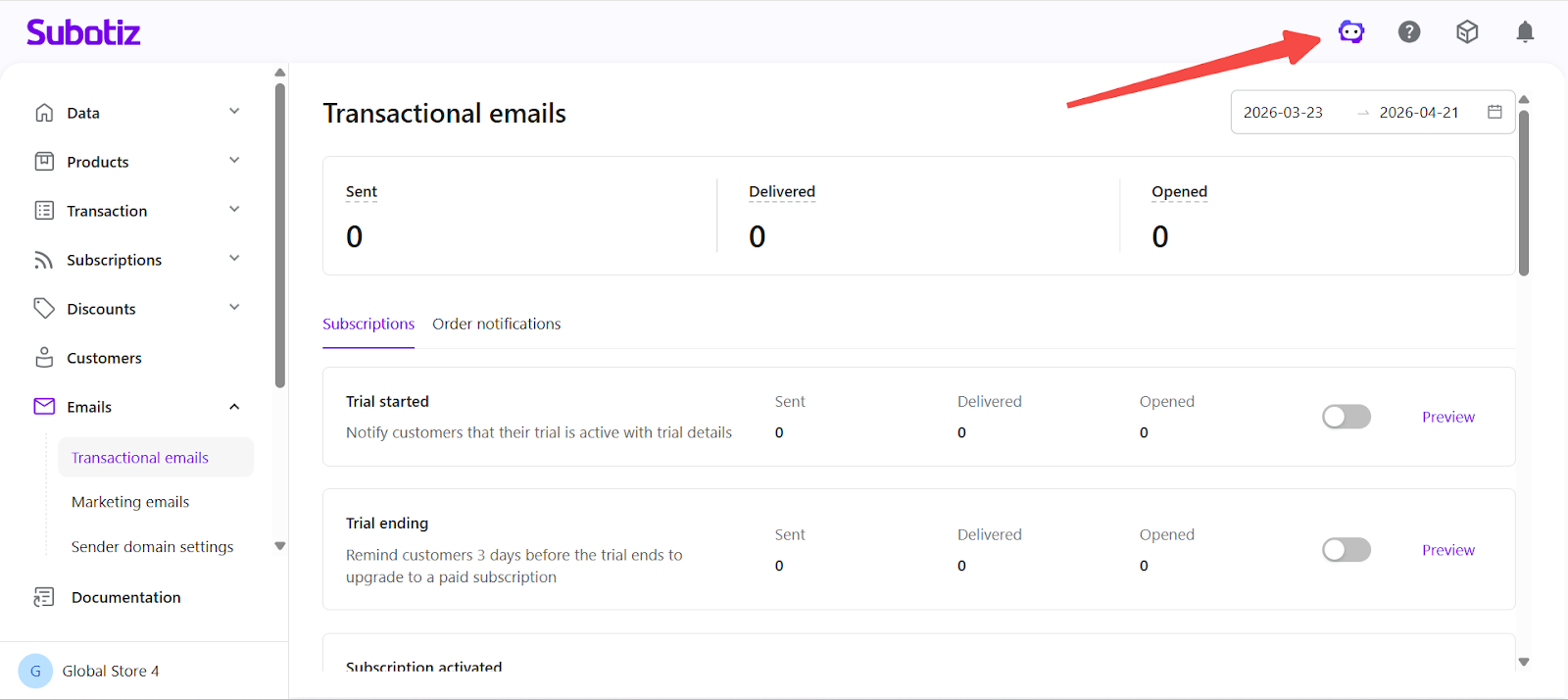
Open the panel: Click the AI Assistant icon in the top navigation bar to launch the conversation panel.
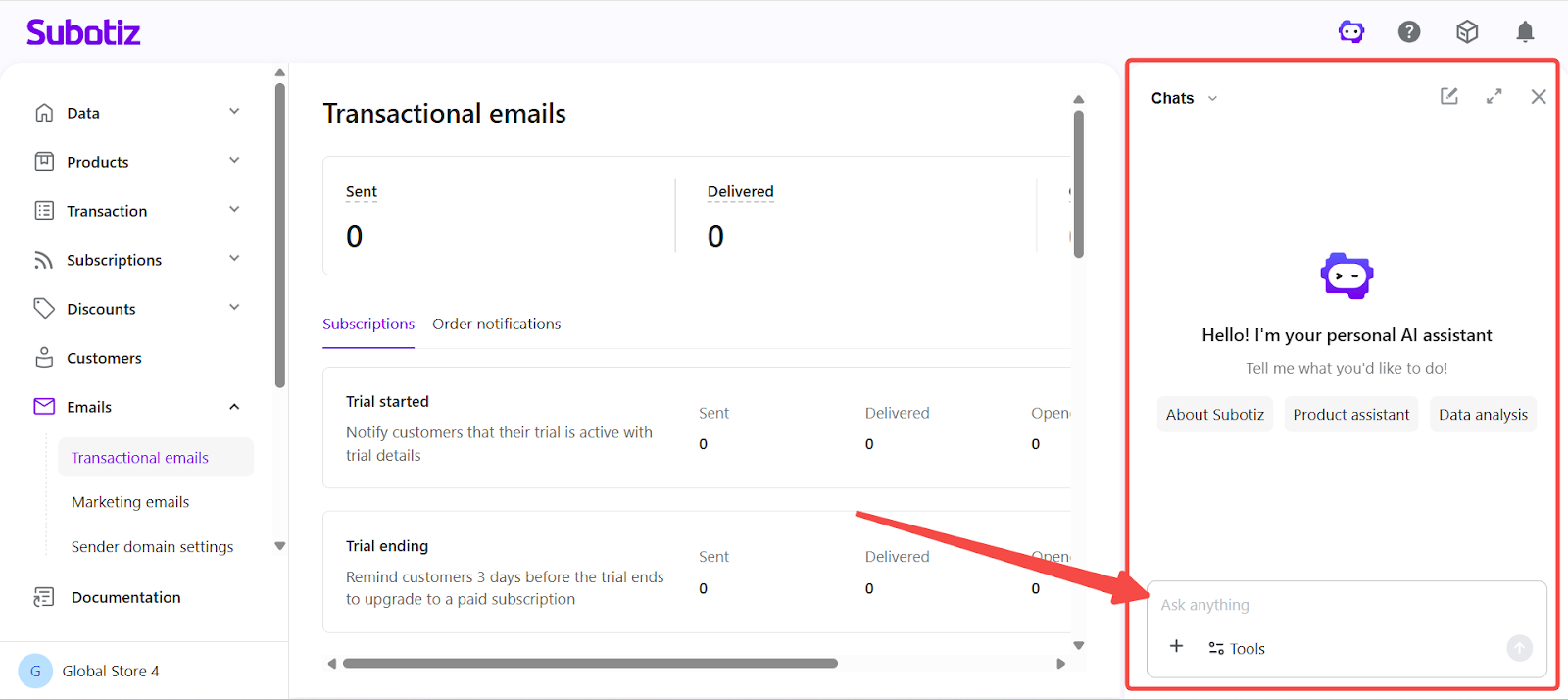
- Start a request: Enter a plain language instruction to begin interacting with the assistant.
Core Capabilities
-
Store Setup: The assistant guides merchants through onboarding using a structured, step-by-step flow.
- Start onboarding: Begin setup after registration through the AI Assistant panel.
- Configure store basics: Set up store information, products, and pricing.
- Activate payments: Enable a payment provider during setup.
- Resume progress: Continue from the last completed step at any time.
Continue setup with AI guidance: AI Assistant|AI Onboarding.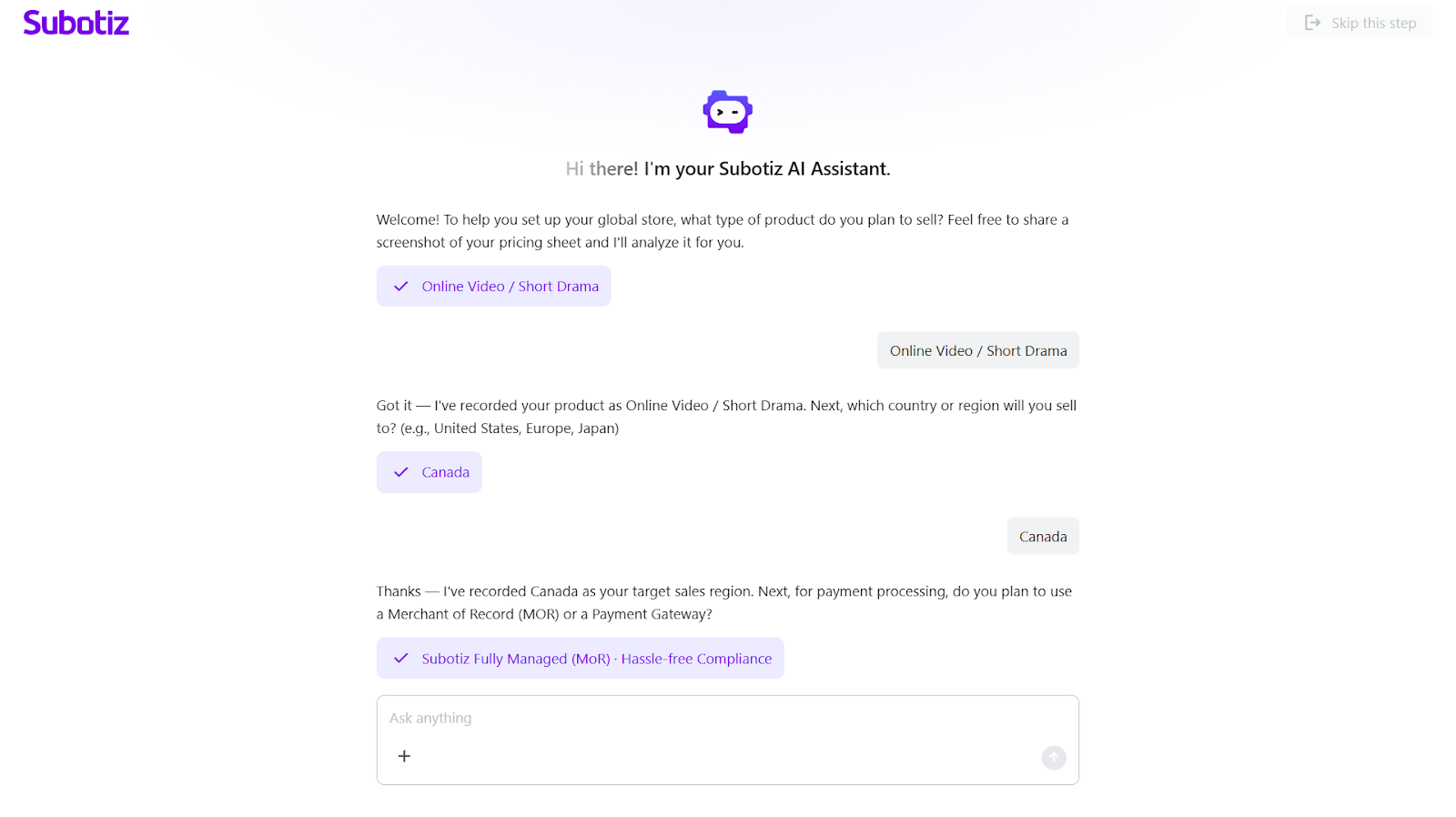
-
Email Template Editing: The assistant enables template updates using natural language directly within the editor.
- Edit templates: Open any email template and launch the AI Agent panel.
- Update content and design: Modify text, layout, colors, and structure.
- Preview changes: View updates instantly.
- Undo changes: Revert the most recent update.
Edit templates with AI assistance: AI Assistant|Email Template Editing.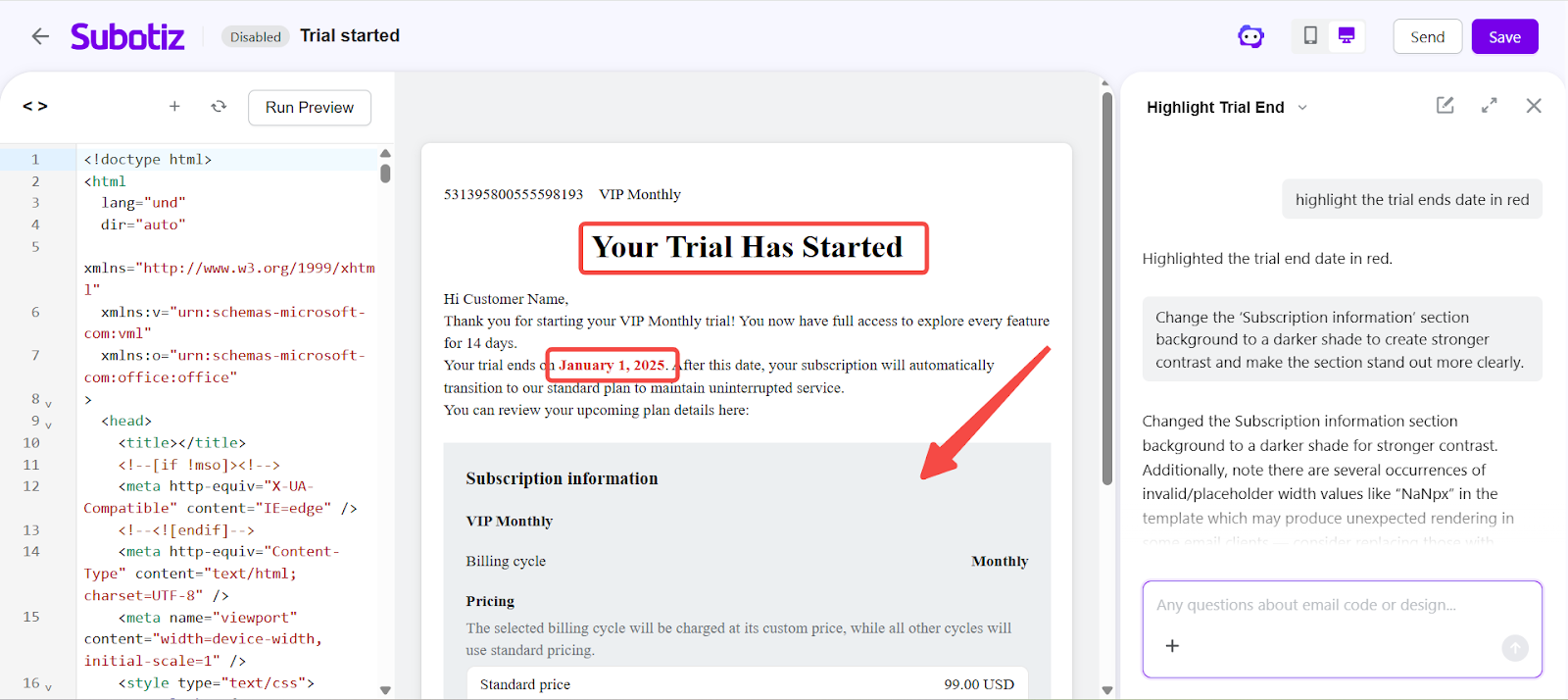
-
Data Analysis: The assistant provides instant access to store insights through direct questions.
- Ask for insights: Example requests include “Compare revenue over the last 30 days” or “Break down transactions by payment method” .
- Retrieve data: Access relevant store data without navigating reports.
- Review results: View structured outputs highlighting key metrics and trends.
Analyze store performance with AI: AI Assistant|Data Analysis.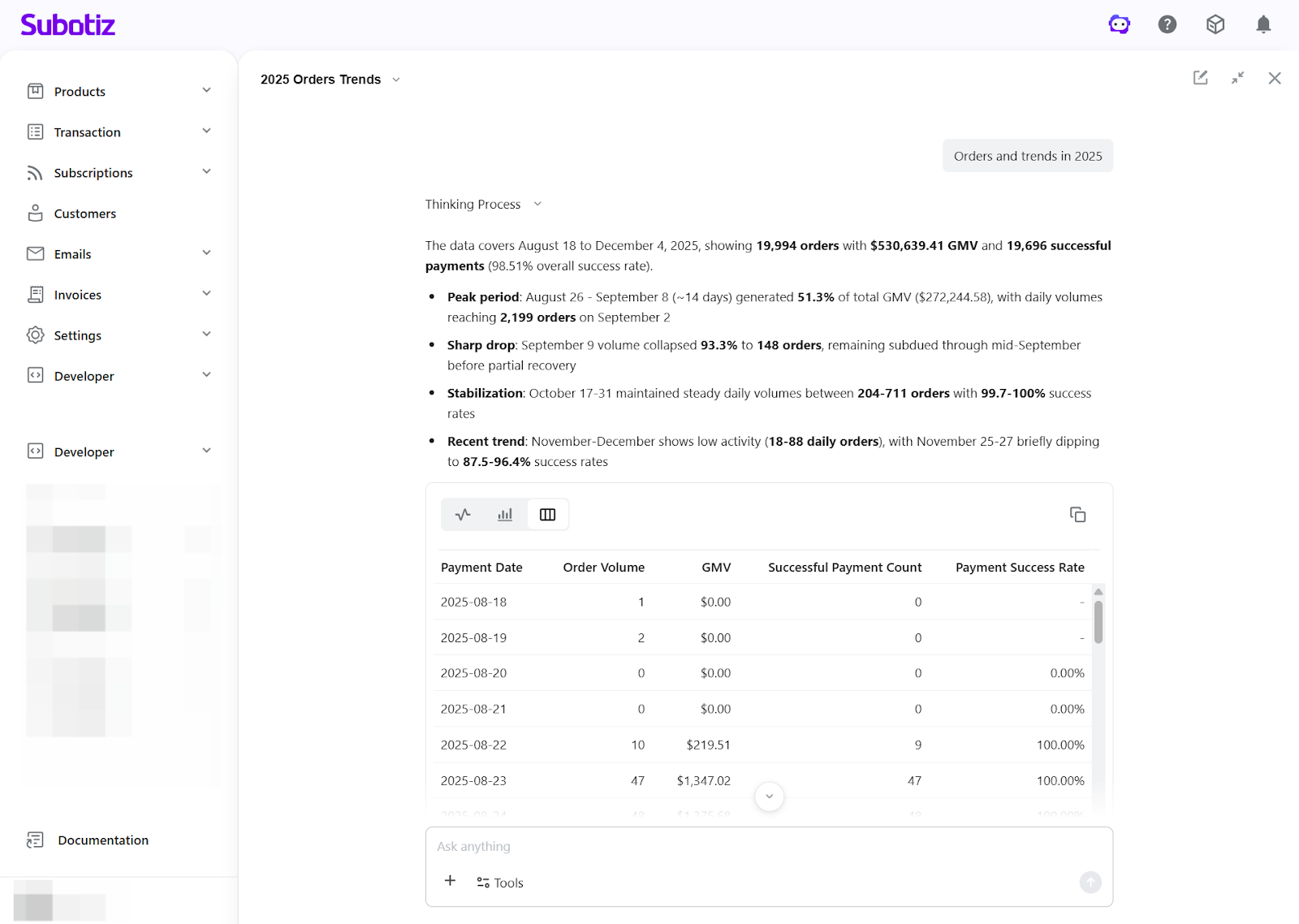
Limitations
- Undo limitation: Applies to the most recent AI-generated change in the email editor only.
- Data scope: Data access is restricted to the current merchant account.
The AI Assistant centralizes key workflows into a single, conversational interface. From initial setup to ongoing operations and performance analysis, merchants can manage their store more efficiently without switching between tools or relying on technical implementation.