The Subotiz admin dashboard provides a centralized workspace for managing products, subscriptions, transactions, customers, financial services, and system settings. The left navigation menu organizes features into dedicated modules, helping merchants access subscription billing, payment processing, and other daily operations.
Main Navigation Modules
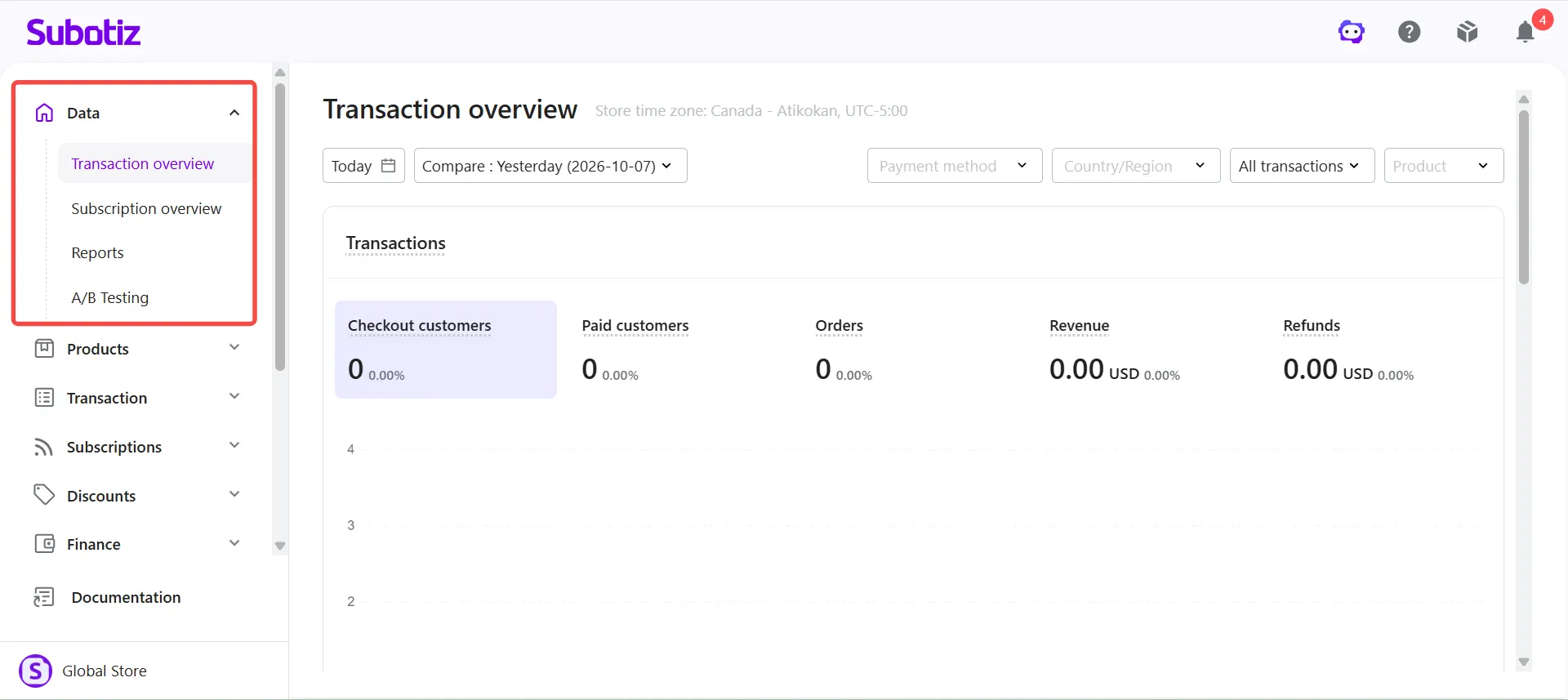
Data
The Data module provides a centralized view of transaction and subscription performance, helping merchants monitor business activity and analyze key metrics.
It includes four pages:
- Transaction overview: View key metrics, including checkout customers, paid customers, orders, revenue, and refunds. Filter data by payment method, country or region, and product.
- Subscription overview: Monitor subscription lifecycle performance and recurring revenue trends.
- Reports: Access structured reports to analyze business data and evaluate performance.
- A/B Testing: Create and manage A/B tests, compare performance across different variations, and evaluate the impact of changes.
Products
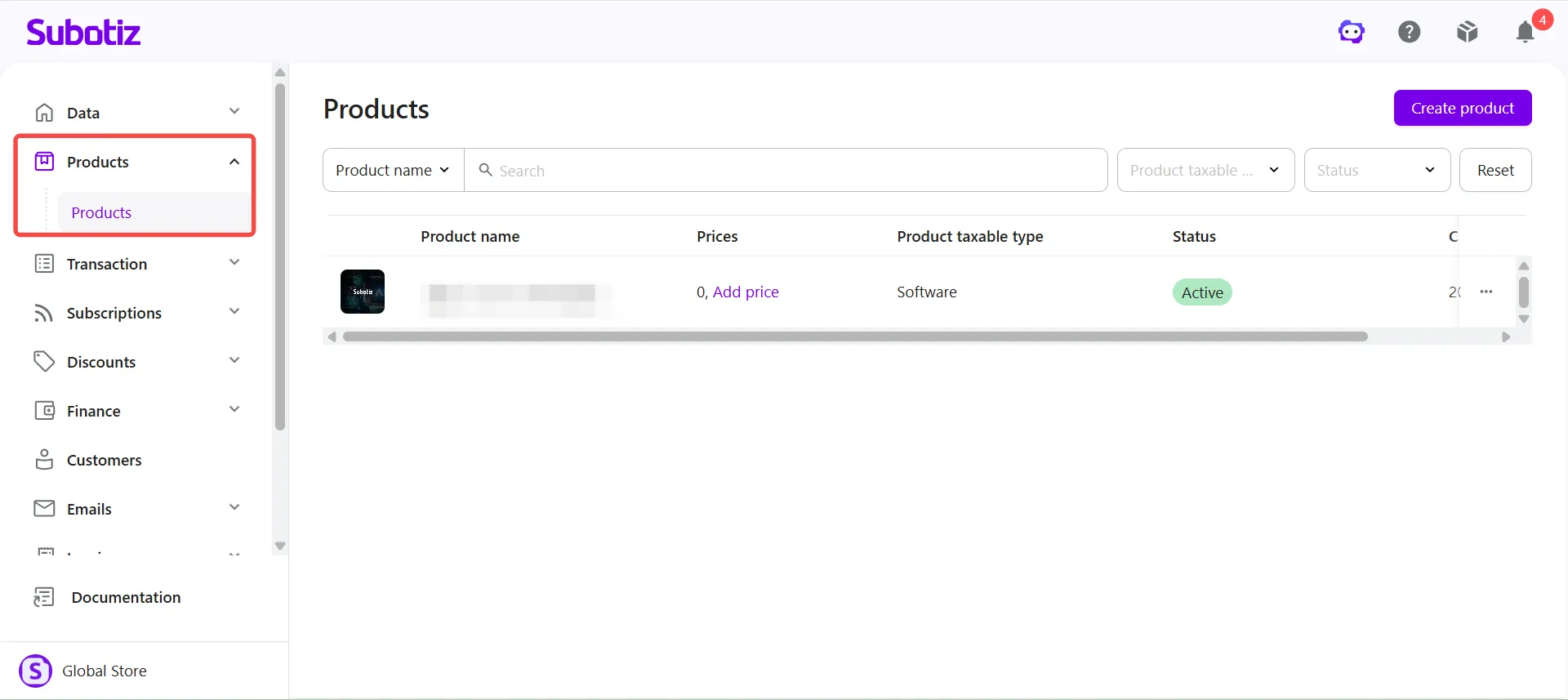
The Products module allows merchants to create and manage products and pricing, providing the foundation for one-time payments and subscription billing.
It includes one page:
- Products: Create and manage products, configure product names, taxable types, quantity units, and entitlements, and add pricing options to each product.
Transaction
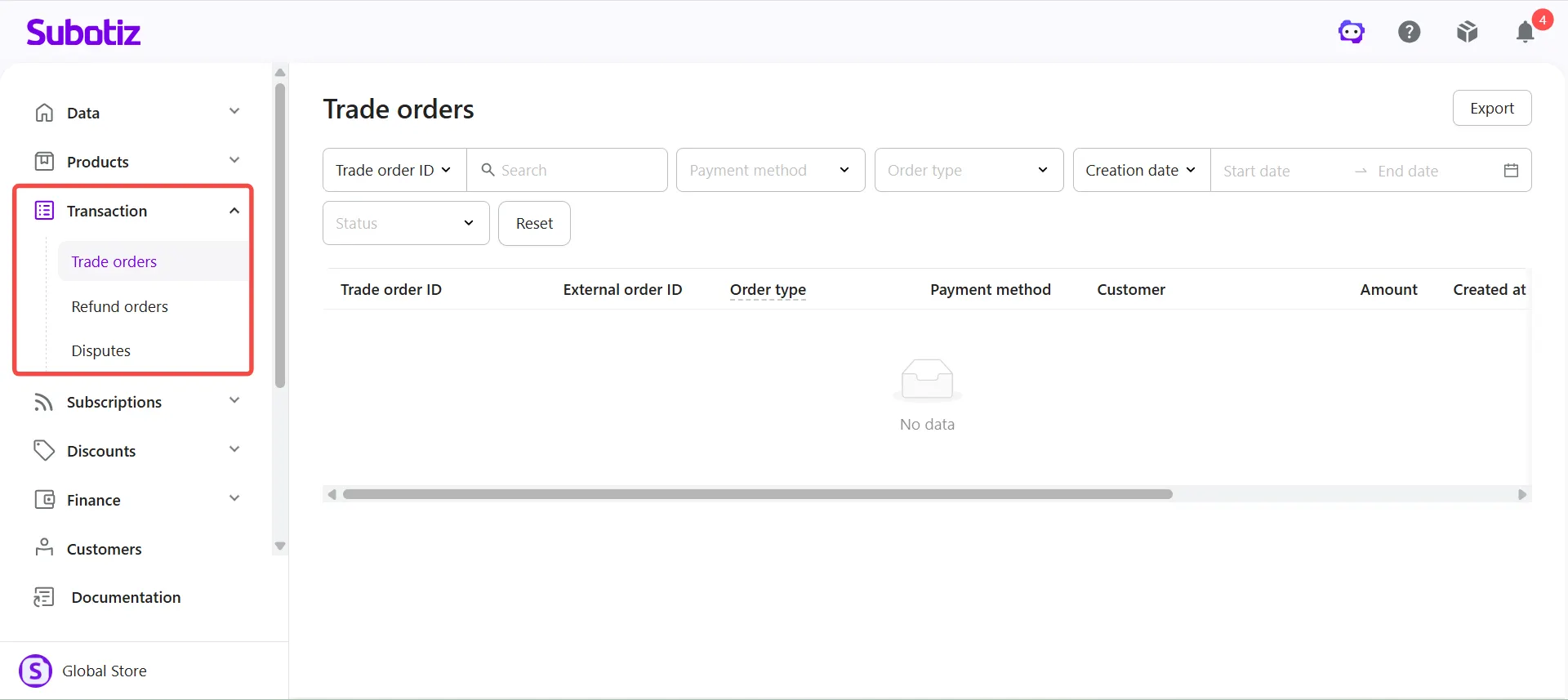
The Transaction module provides a centralized view of payment transactions, refunds, and disputes, allowing merchants to track payment activity and manage transaction-related issues.
It includes three pages:
- Trade orders: View transaction records for one-time payments and subscriptions, including order IDs, payment methods, order types, transaction amounts, and status.
- Refund orders: View and manage refund records, track refund status, and support financial reconciliation.
- Disputes: Review payment disputes, submit supporting evidence, and track dispute status and outcomes.
Subscriptions
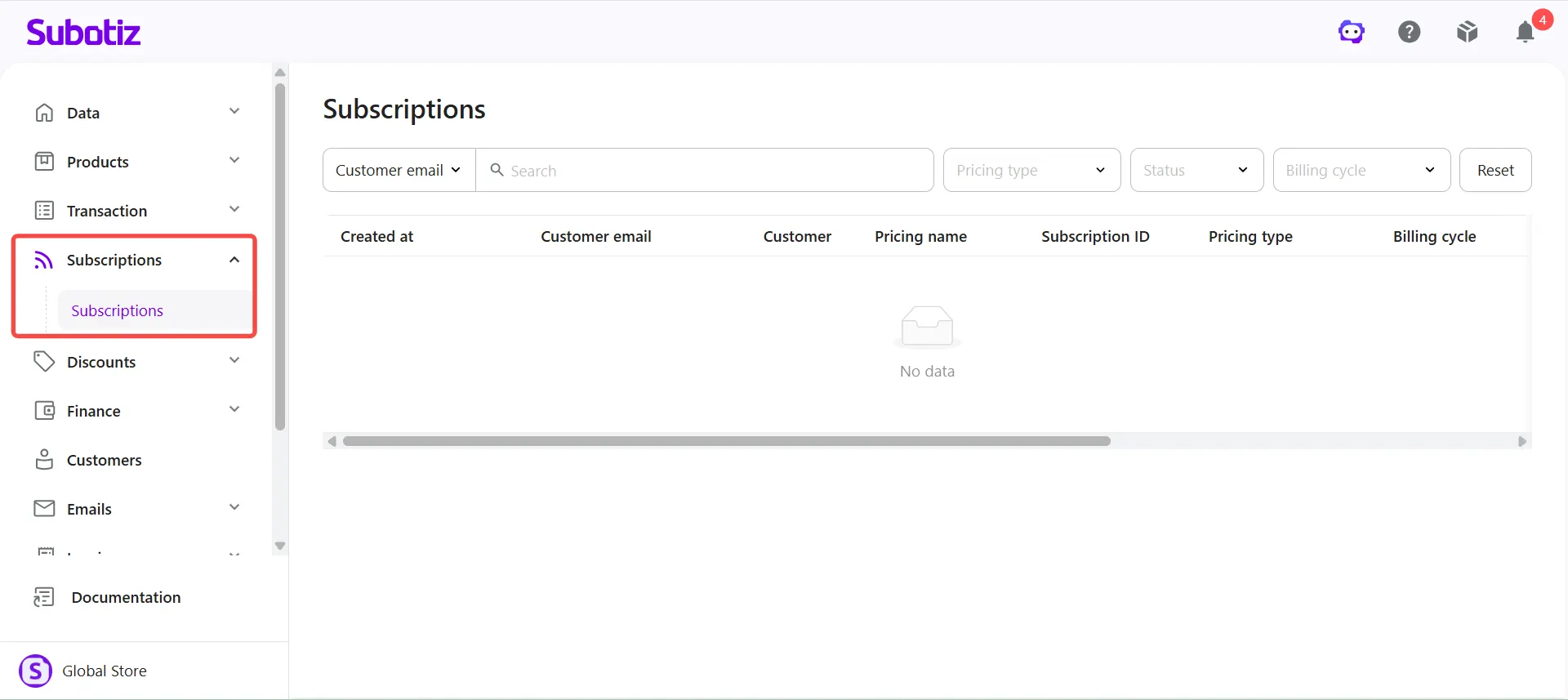
The Subscriptions module provides a centralized view of subscription records, helping merchants monitor subscription status, billing cycles, and renewal activity.
It includes one page:
- Subscriptions: View and manage subscription records, including customer information, pricing names, subscription status, pricing types, and billing cycles.
Discounts
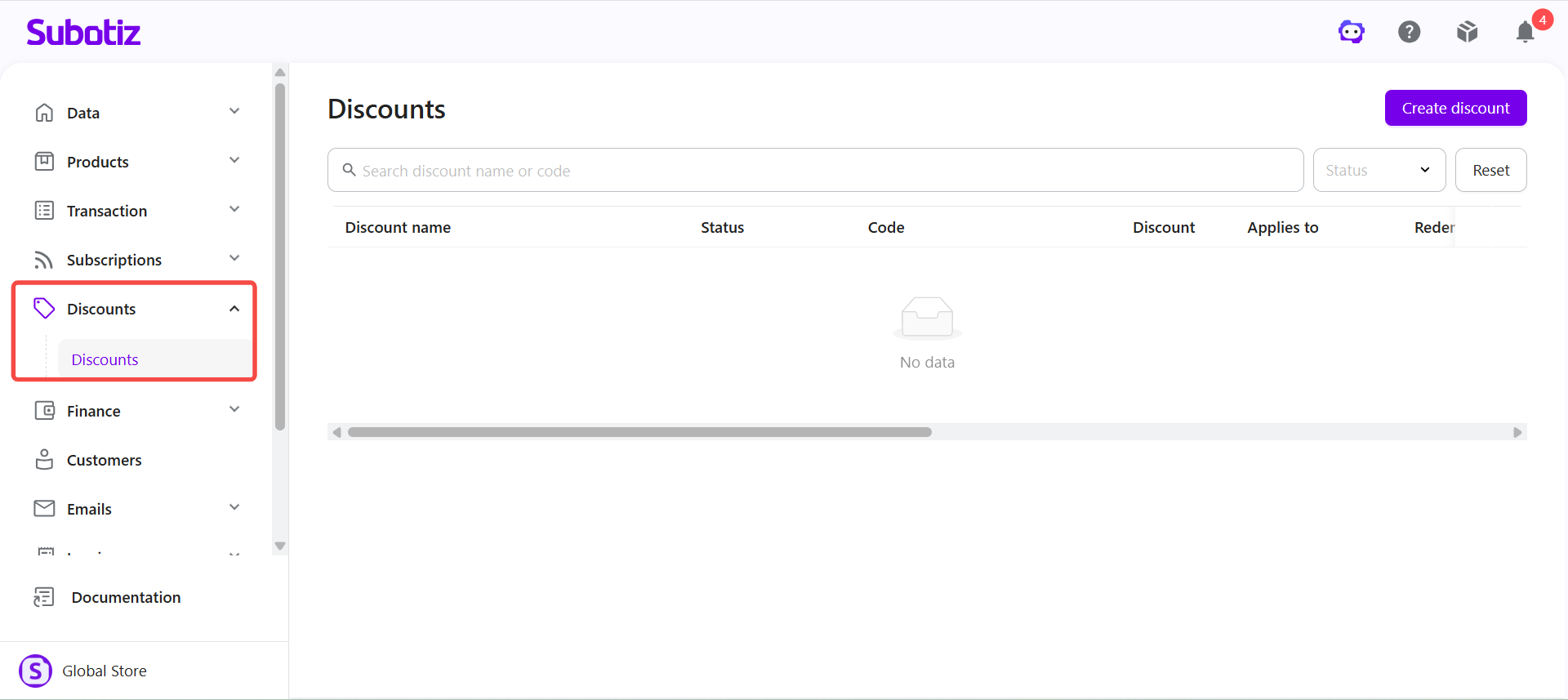
The Discounts module allows merchants to create and manage promotional discounts for checkout. Merchants can configure percentage-based or fixed-amount discounts and define applicable products, pricing options, and discount periods.
Finance
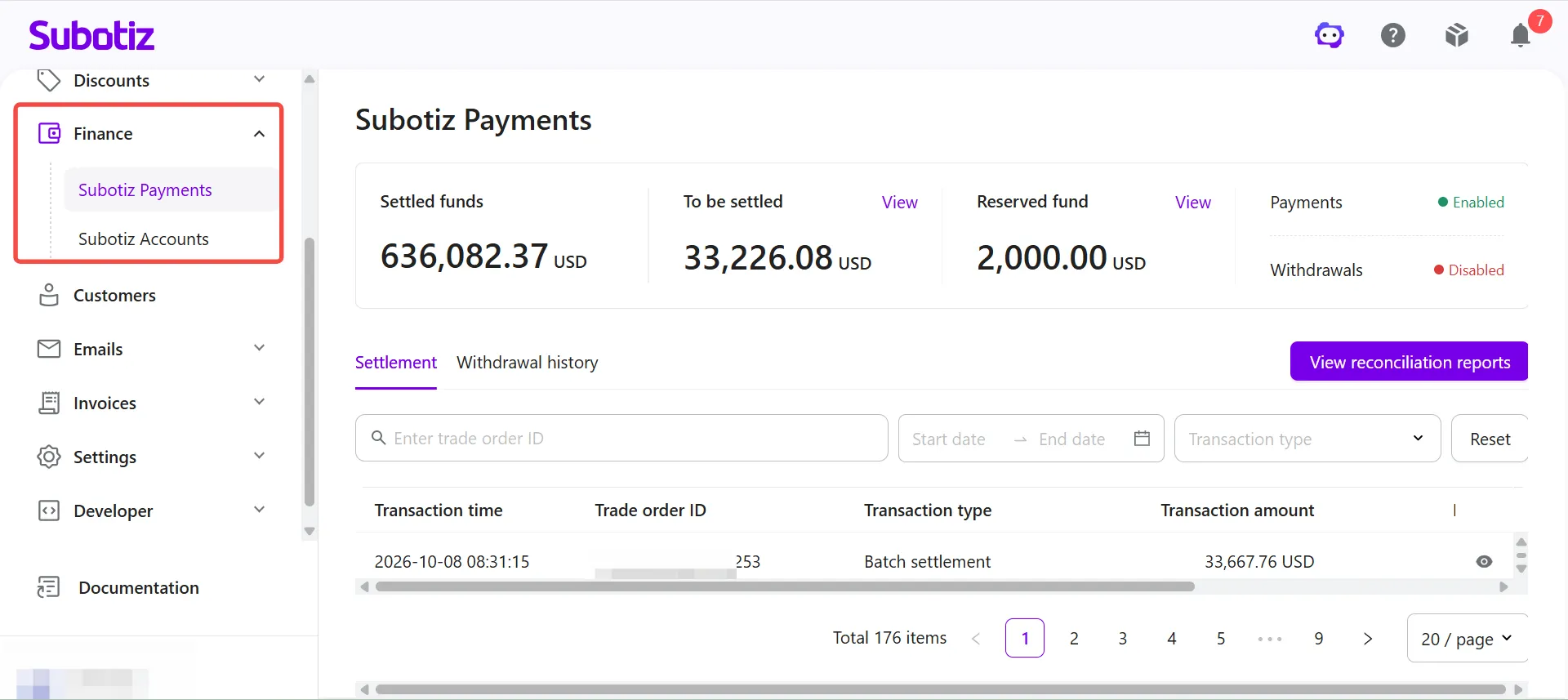
The Finance module provides access to payment processing and cross-border financial services, allowing merchants to apply for and manage the services available to their business.
It includes two pages:
- Subotiz Accounts: Manage cross-border business funds through services such as Global Accounts, foreign exchange conversion, global payouts, and RMB settlement. Eligible merchants can apply for these services based on their business needs.
- Shoplazza Payment: Apply for and manage payment processing services that allow eligible merchants to accept customer payments through supported payment methods.
Note: Subotiz Accounts and Shoplazza Payment are separate services. Subotiz Accounts focuses on cross-border fund collection, payouts, and fund management, while Shoplazza Payment processes customer payment transactions. Each service has its own application process, verification requirements, and available features.
Customers
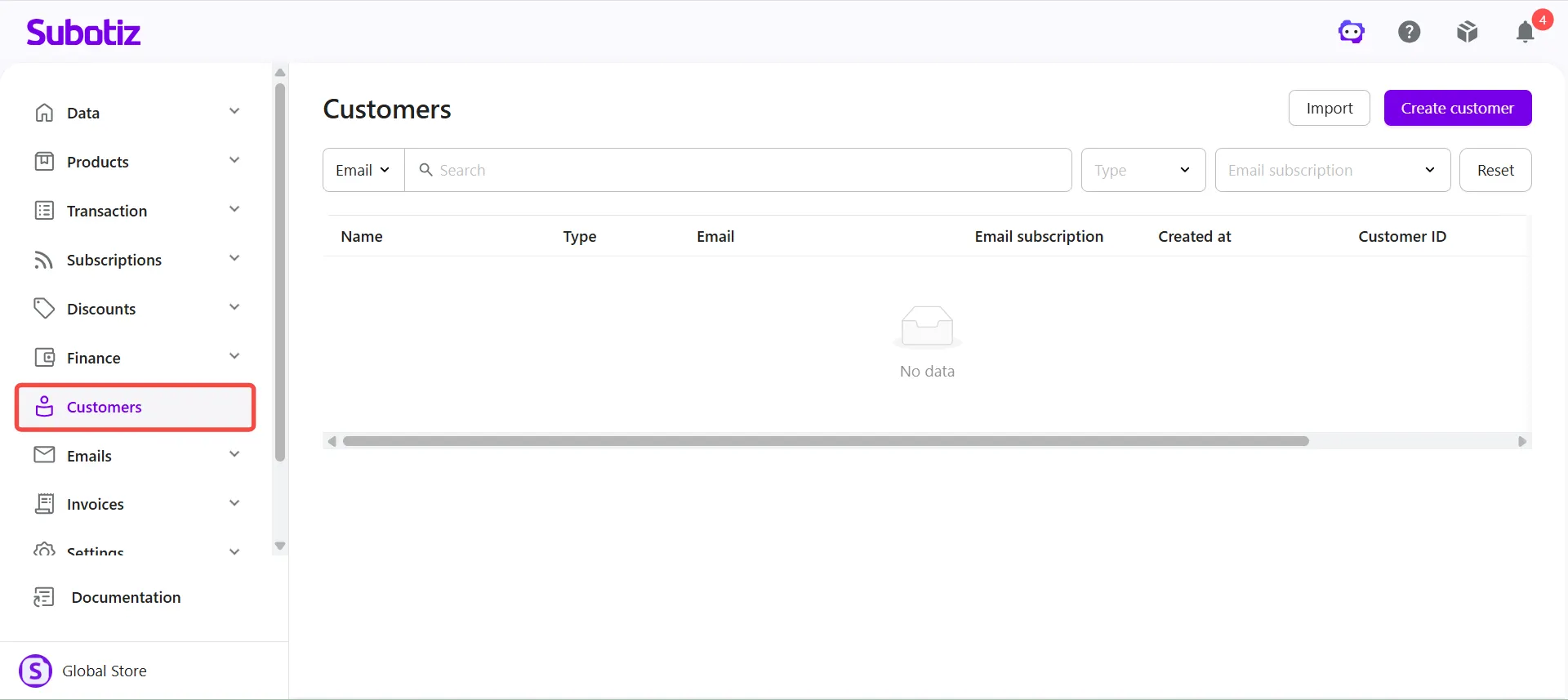
The Customers module centralizes customer information and associated account activity. Merchants can create and manage customer profiles, view customer details, and access related subscription, transaction, and invoice records.
Emails
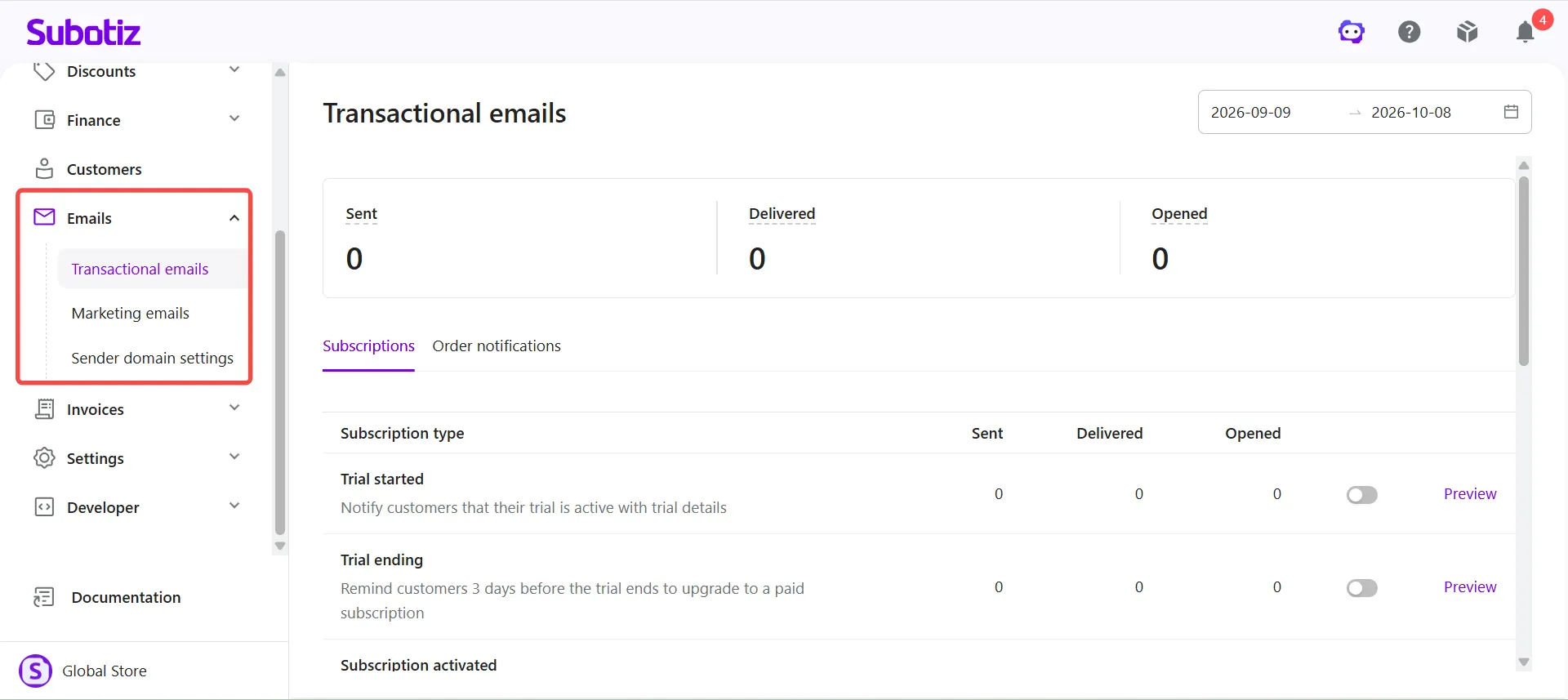
The Emails module allows merchants to manage automated notifications, marketing emails, and sender domain settings.
It includes three pages:
- Transactional emails: Manage automated notifications for subscription events, payment results, and order updates. View email performance metrics, including sent, delivered, and opened messages.
- Marketing emails: Manage marketing communications and automated customer engagement emails, including abandoned checkout, canceled trial, and expired subscription scenarios.
- Sender domain settings: Verify and configure custom sender domains for transactional and marketing emails.
Invoices
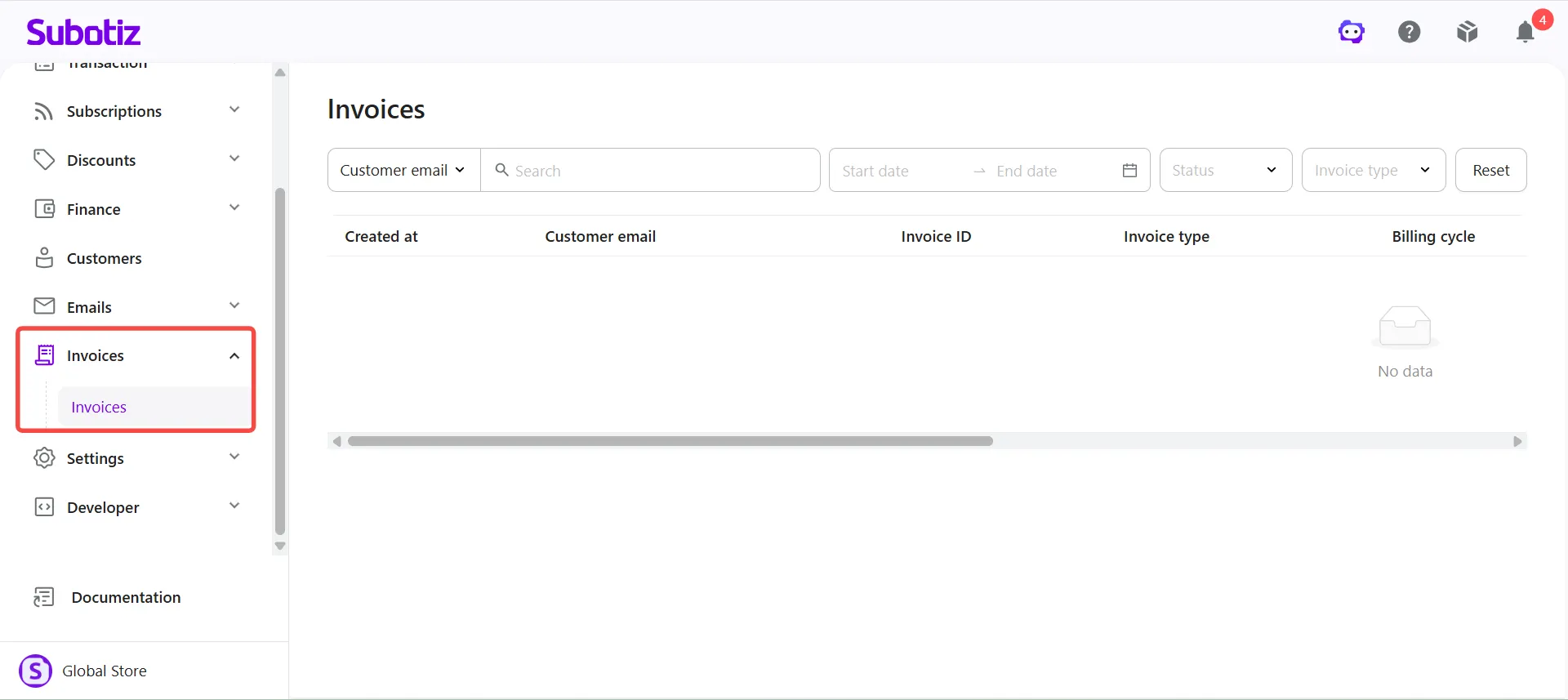
The Invoices module provides a centralized view of customer invoices and billing records. Merchants can search and filter invoices by customer email, creation date, status, and invoice type, and review invoice IDs, billing cycles, and associated amounts.
Settings
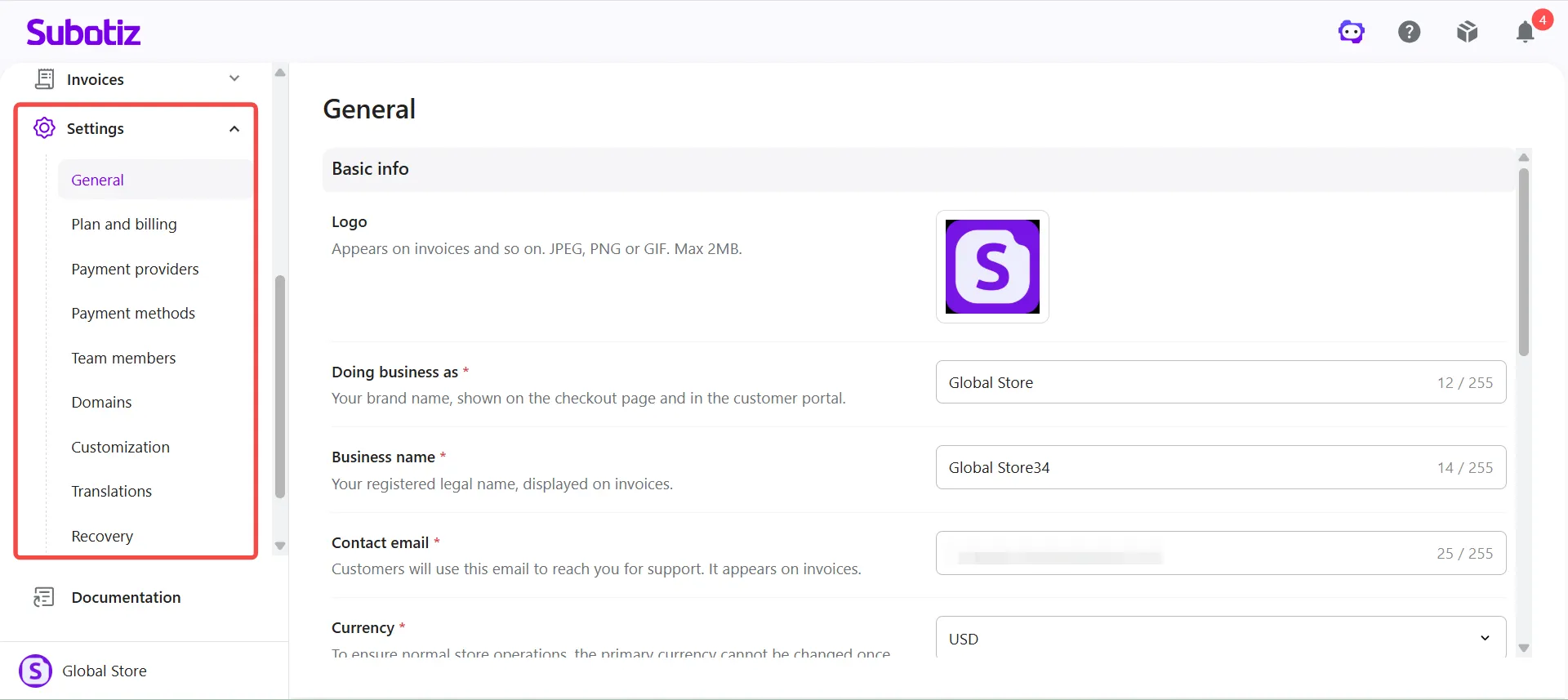
The Settings module allows merchants to configure store information, payment settings, team access, and other operational preferences.
It includes the following pages:
- General: Manage basic store information, including the logo, business display name, registered business name, contact email, and currency.
- Plan and billing: View platform plans, service fees, and related billing information.
- Payment providers: Connect and manage supported payment service providers.
- Payment methods: Enable and manage payment methods available at checkout.
- Team members: Add team members and manage their access permissions.
- Domains: Manage custom domains and related configurations.
- Customization: Configure branding, appearance, and custom content for the checkout page and customer portal.
- Translations: Add translations for product, pricing, and customer portal content. Use AI translation tools, monitor translation progress, and review translated content.
- Recovery: Configure automatic payment retries and revenue recovery settings for failed subscription payments.
Developer
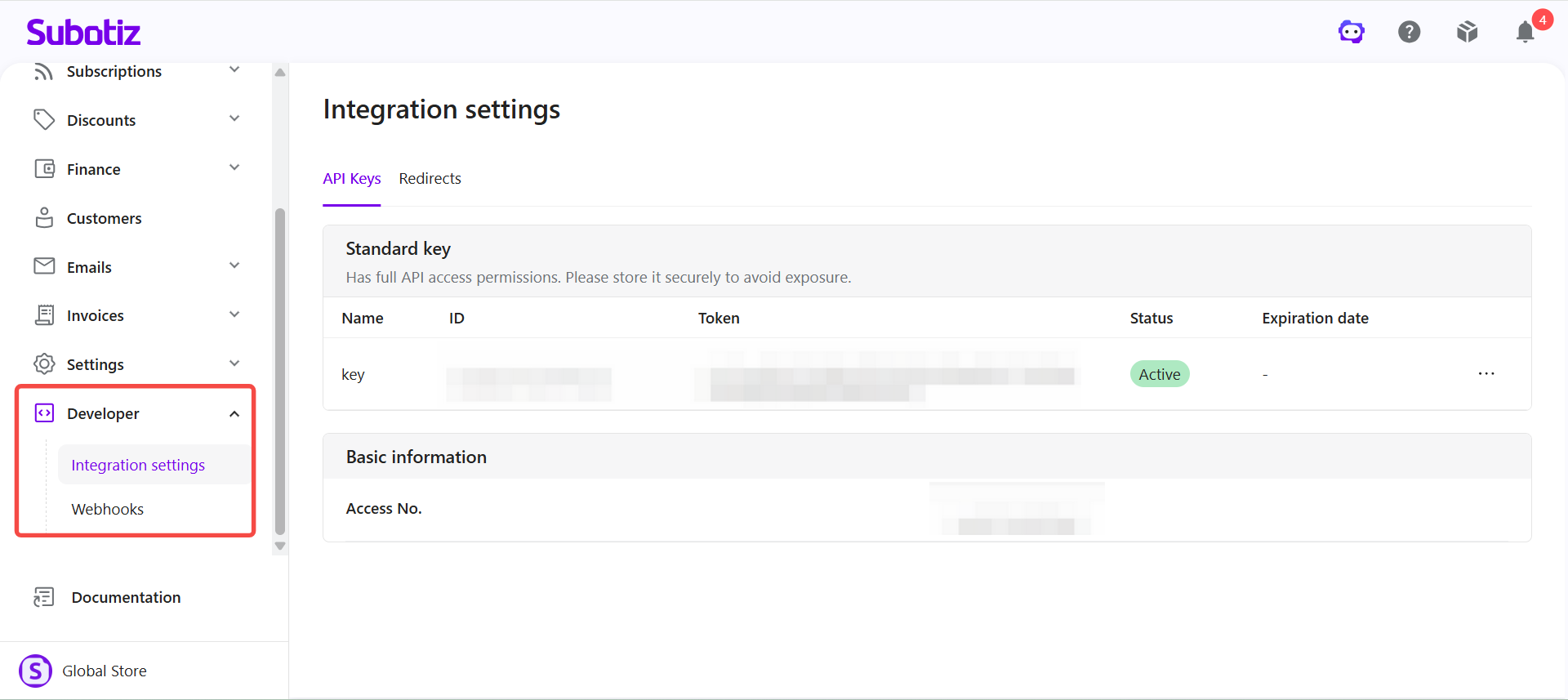
The Developer module provides technical settings for integrating Subotiz with external systems and automating business workflows.
It includes two pages:
- Integration settings: Access API integration information and credentials, and manage supported integration settings.
- Webhooks: Configure event notification endpoints to synchronize Subotiz events with external systems.
Documentation
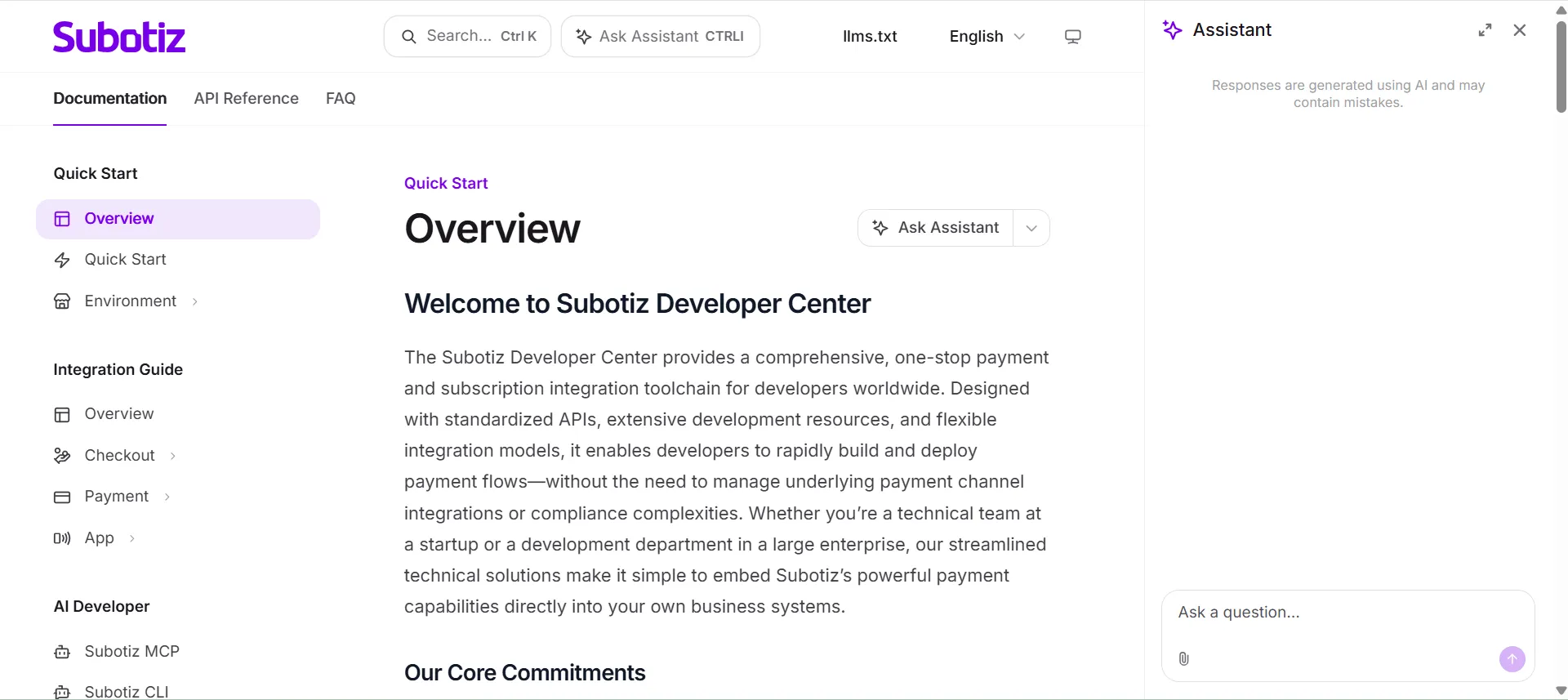
The Documentation module links to the Subotiz Developer Center, where merchants and developers can access API references, Webhook documentation, and integration guides.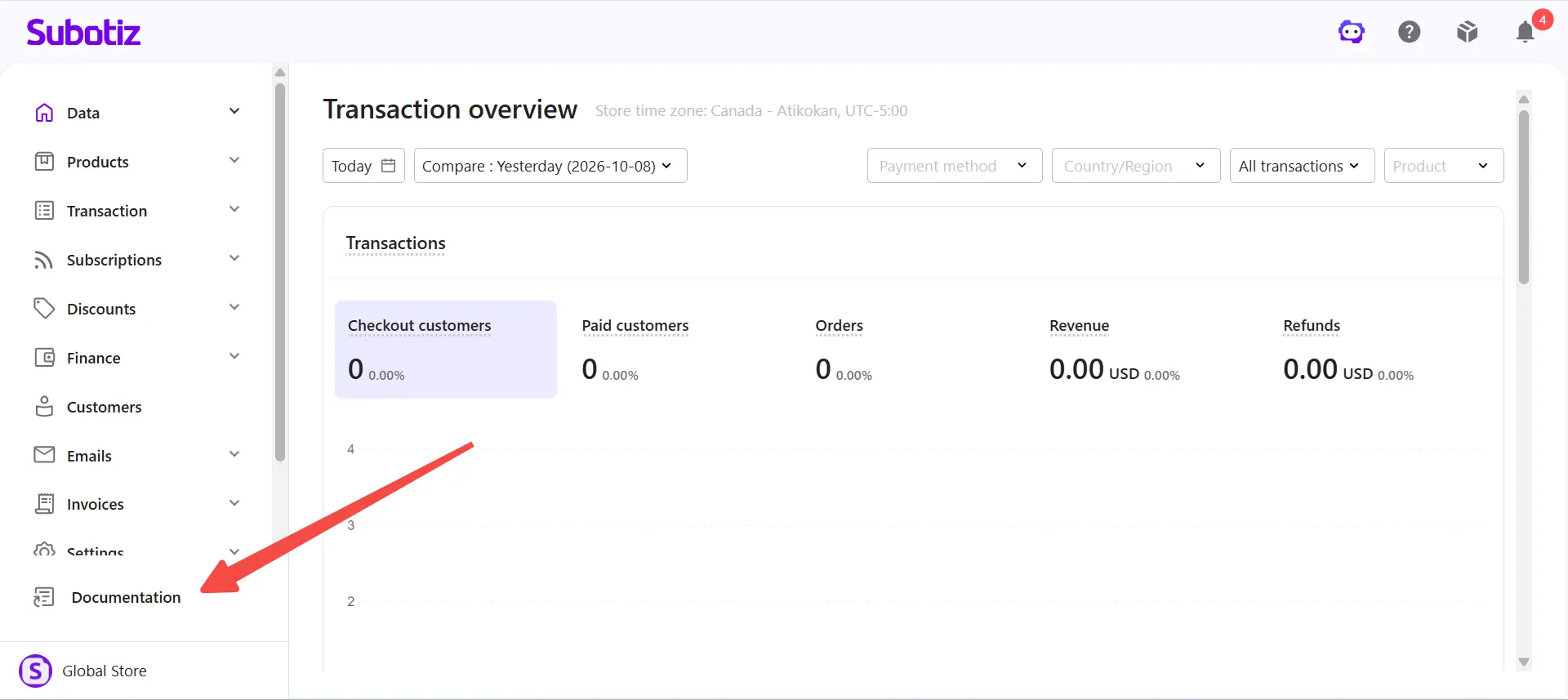
Merchant Center
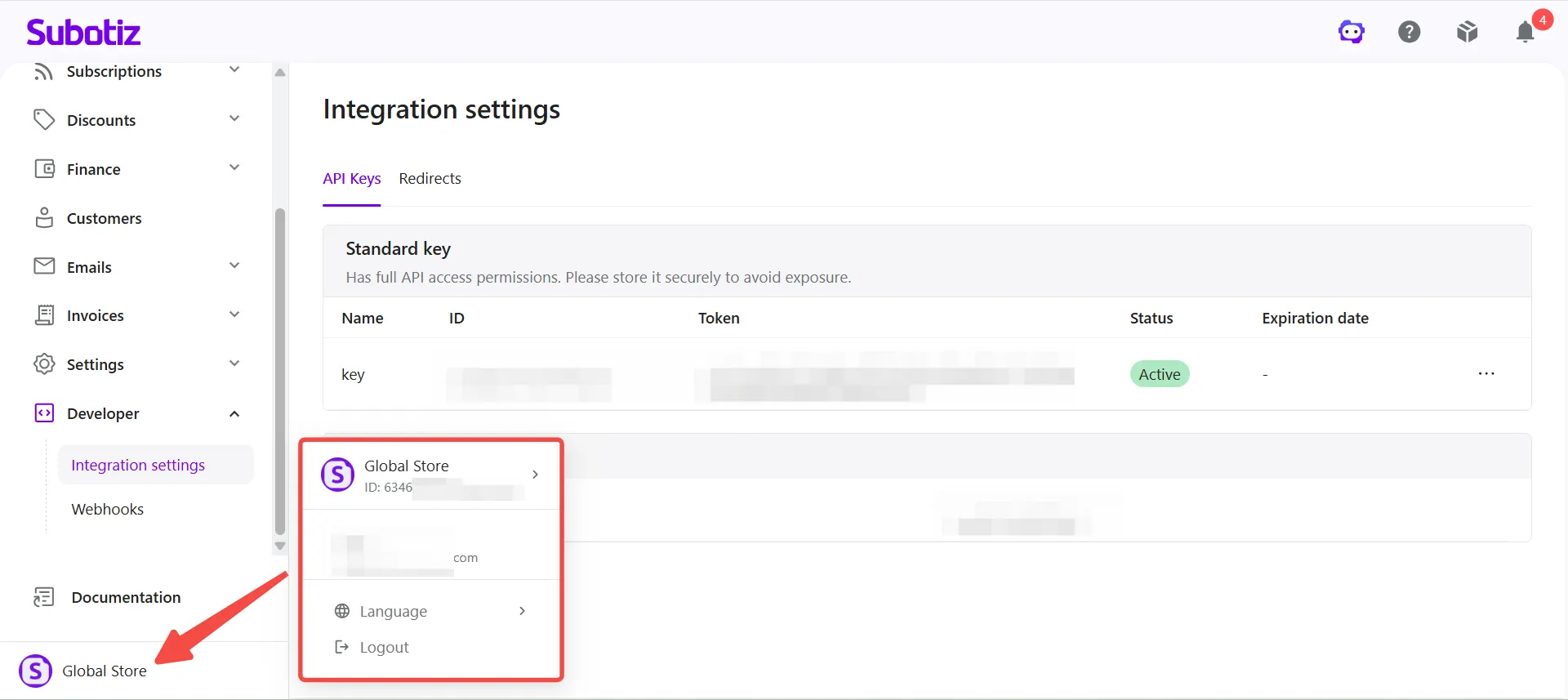
The store selector is located in the lower-left corner of the Subotiz admin dashboard. Merchants with access to multiple stores can use this menu to switch between store workspaces and access each store's settings and operations.
The Subotiz admin dashboard organizes billing, subscriptions, transactions, customers, financial services, and system settings into dedicated modules. This centralized workspace helps merchants navigate daily operations, manage payment and subscription activity, and maintain consistent store configurations.