Subotiz supports a variety of payment methods, including cards, digital wallets, and local payment methods, allowing merchants to accept payments from customers across different markets. Merchants can configure payment options based on their business needs and target markets to improve the checkout experience and support cross-border payments.
Defining Payment Methods
Payment methods are the options customers use to pay at checkout. Common payment methods include:
- Card payments: Payments made using credit or debit cards, such as Visa and Mastercard.
- Digital wallets: Payments made through services such as Apple Pay, Google Pay, and PayPal.
- Local payment methods: Payment options commonly used in specific countries or regions, such as GCash and DANA.
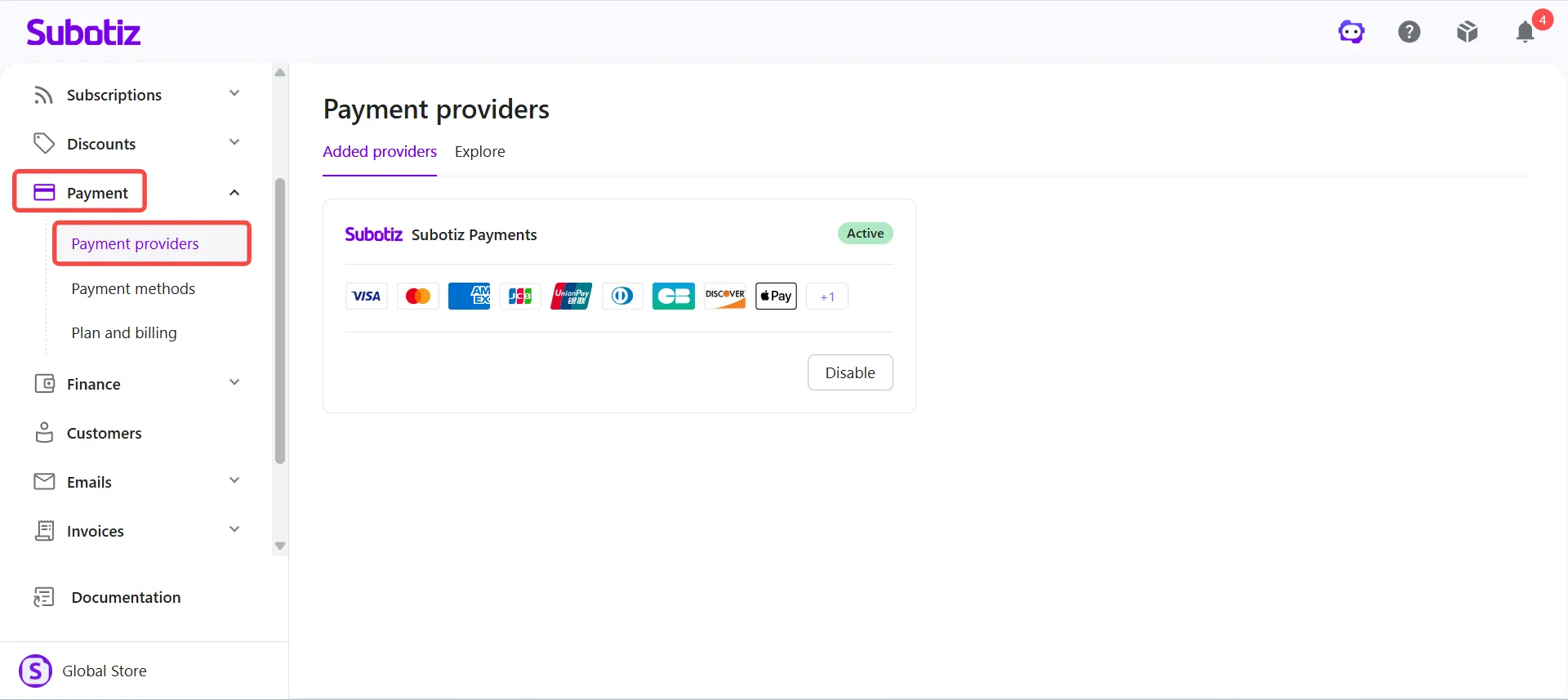
Payment methods are supported by payment providers, which provide the services needed to process transactions. A payment method is the option customers select at checkout, while a payment provider handles the underlying payment processing.
The same payment method can be offered by different payment providers. Merchants can configure payment methods based on the capabilities of their connected providers and their business needs.
The Role of Payment Methods at Checkout
The availability and presentation of payment methods influence the customer checkout experience. Offering payment methods that align with customer preferences in different markets helps reduce checkout friction and improve payment completion rates.
Customers in different countries and regions may prefer different payment methods. For example, some customers prefer card payments, while others favor digital wallets or local payment options.
By configuring payment methods appropriately, merchants can:
- Meet payment preferences across markets: Offer familiar payment options to customers in target regions.
- Optimize the checkout experience: Reduce friction during checkout by providing convenient payment options.
- Offer flexible payment options: Enable payment methods that suit different customer preferences and business needs.
- Support cross-border payments: Offer payment methods across different markets based on the regional coverage of connected payment providers.
Key Considerations When Choosing Payment Methods
Merchants should consider the following factors when selecting payment methods:
- Confirm regional support: Check whether the payment method and its provider support the target countries or regions.
- Evaluate transaction fees: Review transaction fees, currency conversion fees, and other applicable charges for each payment method and provider.
- Understand settlement arrangements: Confirm the payment provider's settlement cycle, payout currency, and related requirements.
- Consider customer payment preferences: Prioritize payment methods commonly used in target markets.
- Check business compatibility: Confirm that the payment method supports the merchant's business type and payment scenarios, such as one-time payments or recurring subscription payments.
Managing Payment Methods in the Admin
Merchants can manage payment methods in the Subotiz admin under Payment > Payment methods, including:
- View payment methods: Review available payment methods and their assigned payment providers.
- Adjust the display order: Arrange payment methods in the preferred order for checkout.
- Assign payment providers: Select a connected and active payment provider for each payment method. Card supports multiple payment providers simultaneously, and Subotiz automatically selects the optimal provider for each transaction.
- Enable or disable payment methods: Control which payment methods are available to customers at checkout.
- Manage payment method domains: Register and verify website domains for Apple Pay when using the Embedded Form.
For detailed configuration instructions, see:
By configuring payment methods and providers in one place, merchants can offer payment options that match customer preferences, streamline checkout, and manage cross-border payments more efficiently.